Key Takeaways
- Ring Cameras can see up to 30 feet with a wide-angle view of 110 to 140 degrees.
- Ring Doorbell cameras can see up to 30 feet with a wide-angle of 160 to 180 degrees.
- To enhance visibility:
- Install Ring devices at optimal heights
- Adjust motion zones smartly
- Improve night vision with external lighting
- Ensure strong Wi-Fi
Ever wondered how far can a Ring Camera see, especially when zooming in on faces or license plates? In this post, I’ll show you how to maximize your camera’s viewing distance with tips on clearer images and improved night vision. Let’s dive in!
How Far Can a Ring Camera See?
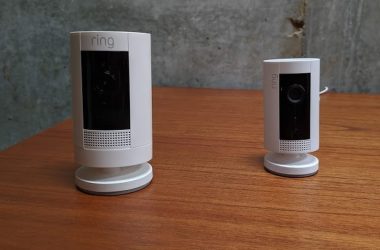
A Ring Camera can typically see up to 30 feet with a wide field of view between 110 to 140 degrees during the day with clear details. However, for identifying specific features like faces or license plates, the effective range is about 15-20 feet.
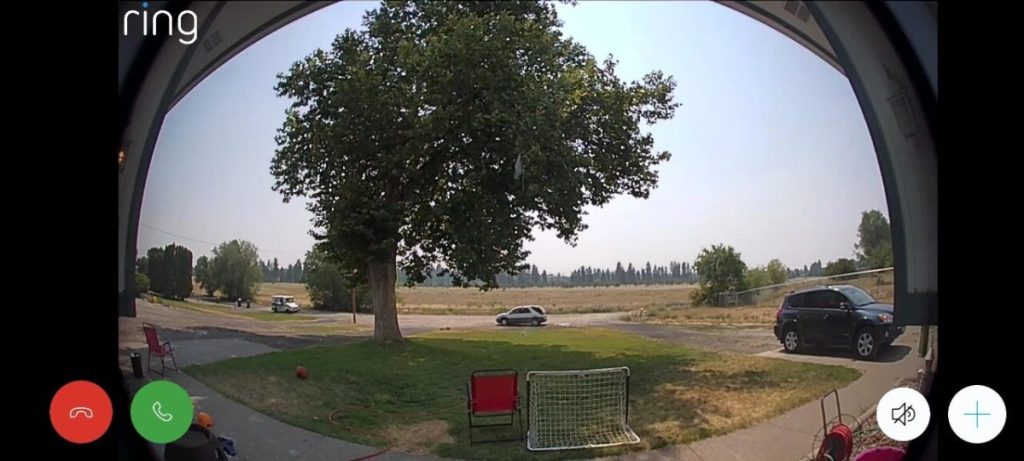
While a Ring camera can clearly see up to 30 feet away, bad weather like fog, heavy rain, or direct sunlight can make it harder for it to see. Similarly, physical obstructions like tree branches, vehicles, etc. can affect your Ring camera’s visibility.
How Far Can a Ring Camera See at Night?
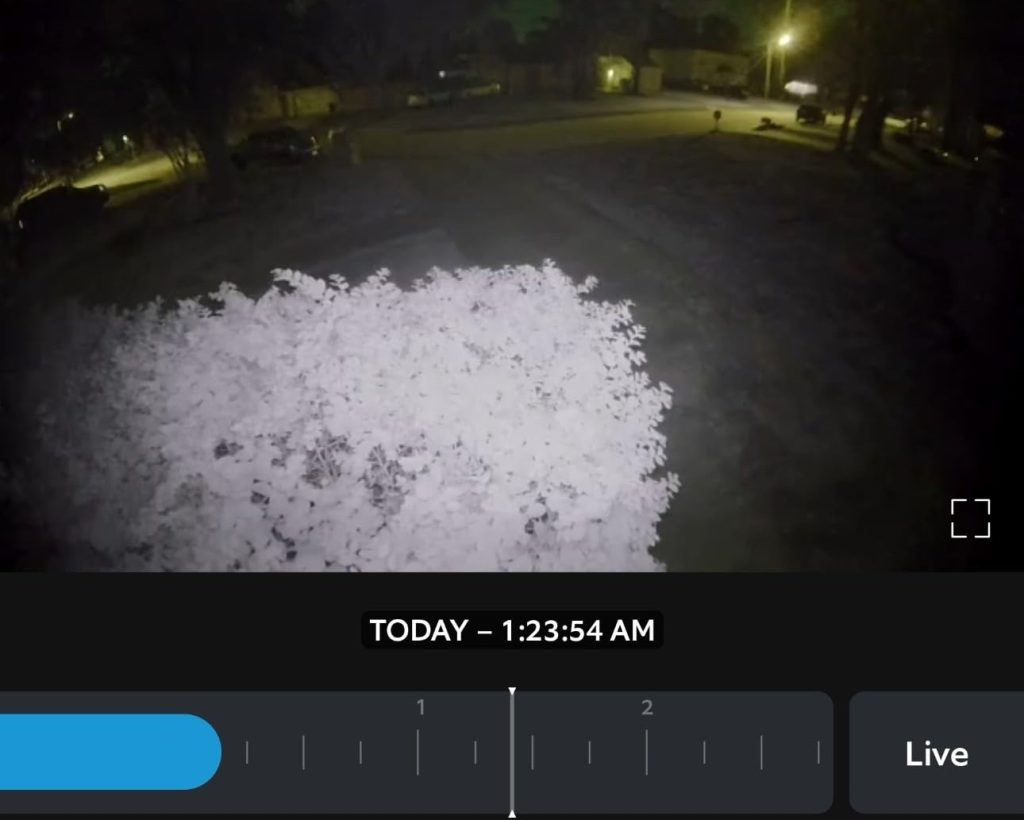
At night, a Ring camera can typically see up to 30 feet with its built-in infrared night vision. However, the clarity of details like faces or license plates drops significantly beyond 10-15 feet. Adding external lighting can help improve visibility and detail recognition in low-light conditions.
How Far Can a Ring Doorbell See?
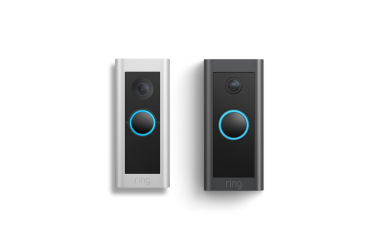
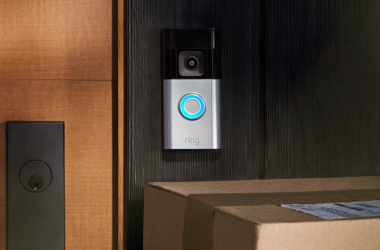
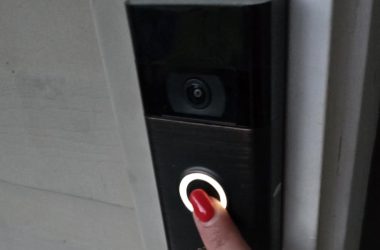
A Ring Doorbell can see up to 30 feet, depending on the model and lighting. In good conditions, it can clearly capture faces or license plates from about 15-20 feet away. The wide-angle lens covers a large area, so you can see most of your front porch or driveway.
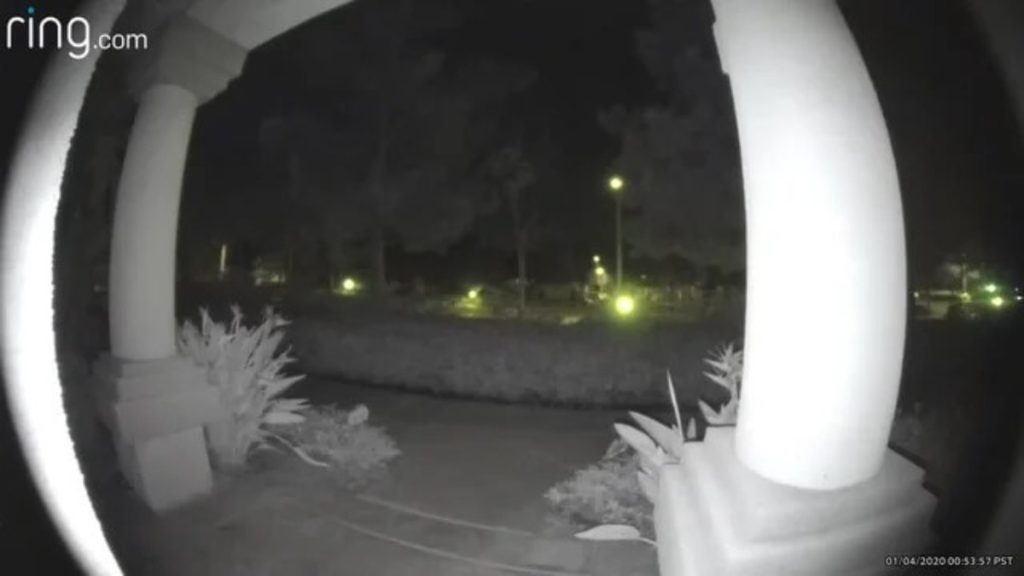
At night, the Ring Doorbell uses infrared night vision, which has a more limited range. It can clearly show things up to about 10-15 feet in low light. The camera’s view can also be affected by things like lighting, obstacles, and where it’s mounted.
How to Improve Ring Doorbell and Camera Visibility?
To improve the visibility of your Ring Doorbell and Camera, consider the following strategies:
1.💡 Install Adequate Lighting
Install your Doorbell or Camera in a well-lit area, particularly at night. Consider installing motion-activated lights to improve visibility when someone approaches. Also, adjust the positioning of existing lights. They shouldn’t shine directly into the camera lens to avoid glare or washout.
2.🎥 Adjust Camera Angle
The camera should capture footage at eye level, where the field of view includes people’s faces and movement. A slight downward tilt can avoid capturing the sky or sun glare.
You can use corner kits or wedges to adjust the angle of the Doorbell or Camera to better cover the desired area, reducing blind spots and improving visibility.
3. 🧼 Regularly Clean the Lens
Dirt, dust, or water droplets can blur the camera’s view. Regularly clean the lens with a microfiber cloth for clear footage.
4. 📶 Improve Wi-Fi Signal
A weak signal may affect video quality. Use a Wi-Fi extender or mesh network to strengthen the signal near your Ring devices. This ensures smooth live streaming and high-quality recordings.
5. 🌙 Disable Night Vision (if appropriate)
Sometimes night vision creates an unnatural contrast, making footage harder to interpret. Disabling infrared and adding ambient light sources like floodlights can result in more natural colors and better details at night.
6. 📍 Adjust Motion Zones
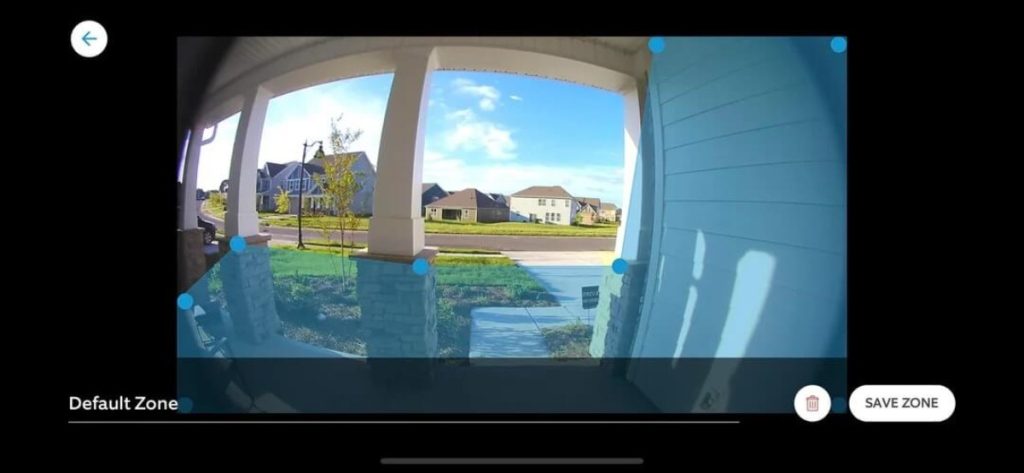
In the Ring app, you can set up motion zones to focus on specific areas you want to monitor. This not only improves the relevance of the alerts you receive but also helps in capturing clearer footage of areas with activity, reducing unnecessary recordings from empty spaces.
All About Ring Camera and Doorbell Range
Ring Cameras and Doorbells provide reliable security with clear images up to 30 feet and a wide viewing angle of 160-180 degrees for cameras and 110-140 degrees for doorbells.
Here’s how to get the most out of your Ring Doorbells and Cameras:
- Don’t place your Ring Doorbell in direct sunlight. Protect it with covers and shades to get clear footage.
- To change the Ring Floodlight Camera light duration, open Ring app, select your Floodlight Cam > Device Settings > Light Settings > Motion Settings, and pick your preferred time.
- Explore different Ring Stick Up Cam mounting options for the best visibility.
Frequently Asked Questions
How far does a Ring camera see?
How wide is Ring camera view?
Can Ring devices differentiate between human activity and animals or moving objects?
What is the shortest distance Ring Doorbell can see?
Do Ring devices have audio capabilities for two-way communication?
Are there any privacy considerations users should be aware of when using Ring devices?
What is the shortest distance Ring Doorbell can see?
Can You Zoom In On Ring Camera and Doorbell?


Hashir
Hi, I’m Hashir, a tech enthusiast with a deep love for smart home innovations. My interest in technology has always been driven by the idea of making everyday life more streamlined and efficient. After years of experimenting with smart devices in my own home, I’ve made it my mission to share what I’ve learned with others. I focus on practical, easy-to-understand solutions that anyone can implement to enhance their home. Writing for JustSmarter allows me to connect with fellow tech lovers and help them take their first steps—or next steps—into the exciting world of smart homes.