Key Takeaways
To fix a Google Nest Doorbell that keeps going offline:
- Ensure a strong Wi-Fi signal near the Nest Doorbell
- Restart your router to address connectivity issues
- Move or remove signal-blocking objects like metal doors or electronics
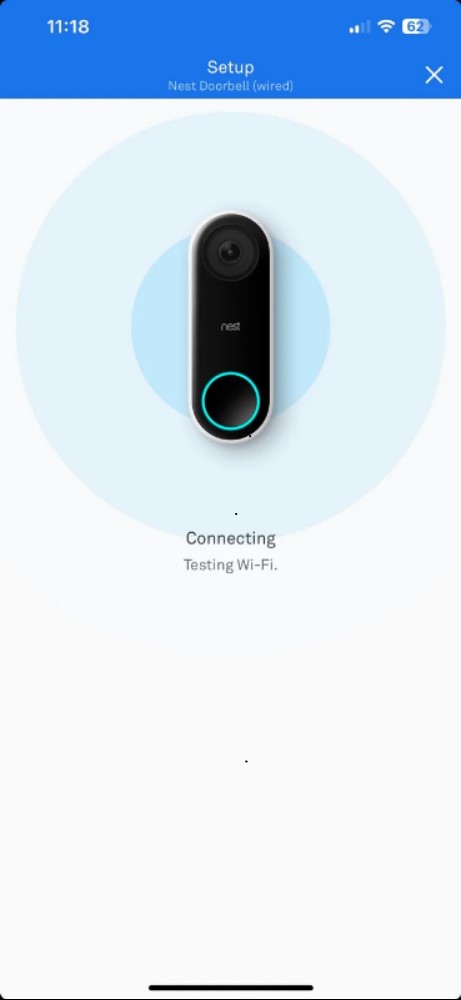
- Update the Nest Doorbell firmware via the Nest app
- Check the Nest Doorbell’s power supply (battery or wired)
- Contact support if all else fails
Is your Nest Doorbell offline again? Frequent disconnects are likely due to Wi-Fi issues, power interruptions, software glitches, hardware faults, or environmental factors. Below, I’ve shared why your Nest Doorbell might be going offline and what you can do to fix it.
Why Does My Nest Doorbell Keep Going Offline?

If your Google Nest Doorbell keeps going offline, there are a few reasons why it might happen:
- 🌐 Wi-Fi Connectivity Problems: A stable Wi-Fi connection is crucial for the Nest Doorbell. It can go offline if the signal is weak or there’s interference from other devices.
- ⚡ Power Supply Interruptions: Continuous power is essential. Any outages or insufficient power supply can cause the Doorbell to go offline.
- 🔄 Software Glitches and Updates: Keeping the software up to date is vital for smooth operation. Glitches or pending updates can disrupt connectivity and cause offline issues.
- 🛠️ Hardware Malfunctions: Though less common, internal hardware problems can also lead to the Doorbell going offline, often due to damage or wear over time.
- 🌦️ Environmental Factors: Extreme weather conditions can cause your Google Doorbell to go offline. Protecting it from harsh weather and excessive heat is crucial for its longevity and optimal performance.

How to Fix Google Nest Doorbell Offline Issue
When your Google Doorbell keeps going offline, it can be frustrating, but fixing it might be easier than you think. Here are simple steps to fix this problem and get your doorbell back online.
1. Improve Wi-Fi Connectivity
If your Nest Doorbell frequently goes offline, try these steps to improve connectivity:
📡Use a Wi-Fi Extender or Mesh Network: Boost your signal by adding a Wi-Fi extender or mesh network to strengthen coverage throughout your home, especially in areas with weak reception.
📶 Move Your Wi-Fi Router Closer: Position the router closer to your doorbell, and remove any obstacles that may block the signal.
📲Reduce Interference: Devices like microwaves, cordless phones, or baby monitors can disrupt Wi-Fi signals. Turn them off or move them further from the router and doorbell.
2. Ensure Reliable Power Supply
Confirm that your Nest Doorbell is receiving a steady power supply. Check the wiring to ensure it’s securely connected and free of damage. If you’re using a battery, make sure it’s fully charged. Additionally, inspect your home’s electrical system to ensure there are no issues with the power source itself.
3. Check for Software Updates
Sometimes, the Nest Doorbell’s software might be out of date or have a glitch. Go to the Google Home app to check for and install any available updates. If the Doorbell is acting weird, try resetting it to its factory settings. This can often fix software problems, but you’ll need to set up your Doorbell again afterward.

4. Contact Support
If you’ve tried all these steps and your Nest Doorbell still isn’t working right, it might be time to call in the experts. Contact Nest support if you think the problem is too complicated or if you suspect your Doorbell is broken and needs to be replaced.
How to Prevent Your Nest Doorbell From Going Offline
To keep your Nest Doorbell working smoothly and stop it from going offline in the future, here are some simple tips:
- 🔧 Regular Maintenance: Every few months, check the Wi-Fi connection, power supply, and wiring to catch small issues before they become big problems.
- 🌐 Advanced Wi-Fi Setup: To avoid Nest Doorbell Wi-Fi issues, set up a guest network or a dedicated channel for it and other smart devices. This reduces traffic and ensures a more stable connection.
- 🌦️ Environmental Protection: While your Nest Doorbell is durable, extreme weather like heavy rain or direct sunlight can impact its performance. Protect it by placing it in a sheltered spot or using a protective cover designed for outdoor electronics.
Wired vs. Wireless Nest Doorbells: Susceptibility to Go Offline
Wired Nest Doorbells typically have fewer offline issues thanks to a stable power supply, though they’re vulnerable during power outages. Wireless models offer flexible placement but are more prone to going offline due to battery and Wi-Fi challenges.
I prefer wired doorbells, but depending on your location and needs, a wireless option might suit you better. Here’s a comparison of their power and internet requirements:
🔌Wired Nest Doorbell
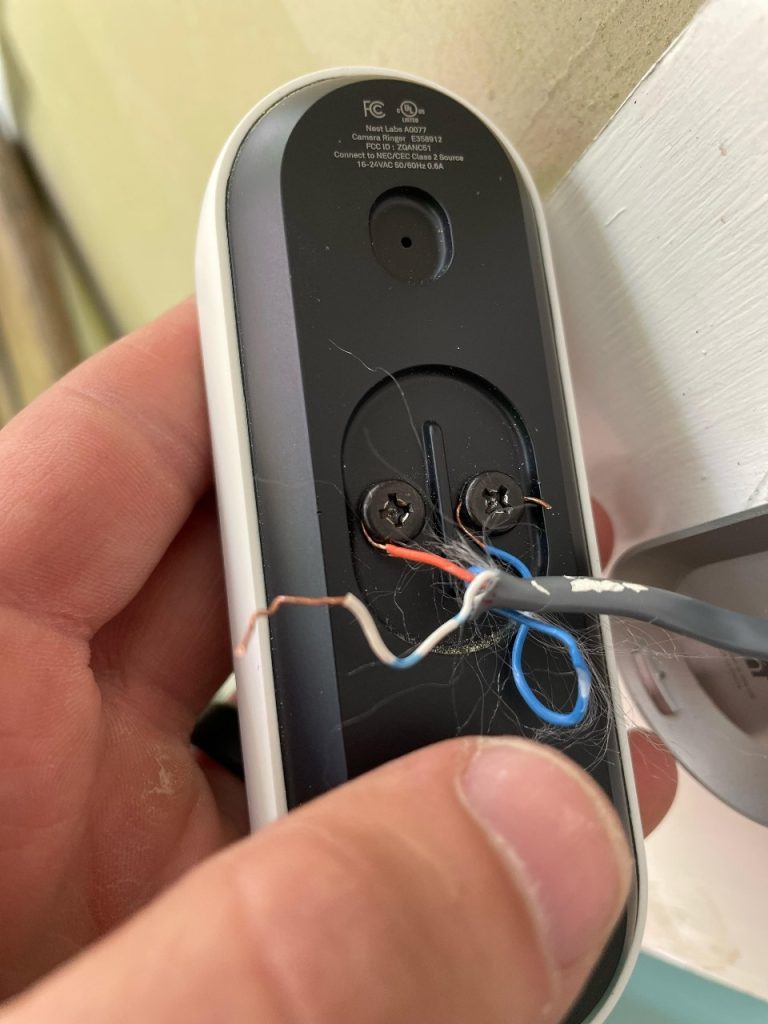
- 🔌 Stable Power: Connected to your home’s electricity, it usually has a steady power supply, making it less likely to go offline unexpectedly than a battery-powered doorbell.
- ⚡ Vulnerable to Power Outages: During power cuts or electrical issues, your wired doorbell will go offline.
- 🌐 Wi-Fi Dependent: Like the wireless version, it requires a strong Wi-Fi connection. If your Wi-Fi is weak or unstable, your doorbell may lose its connection.
📡 Wireless Nest Doorbell
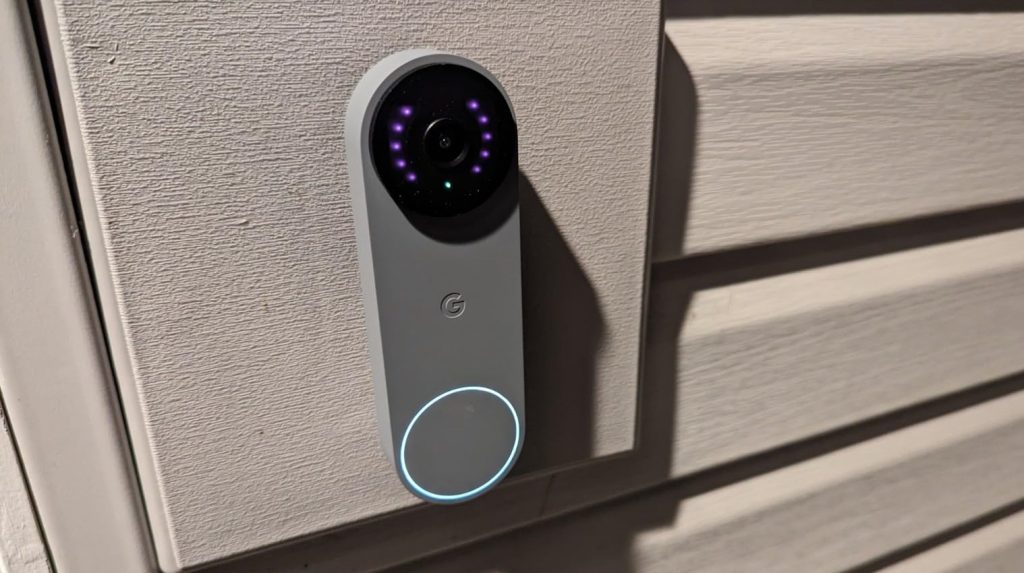
- 🔋 Battery Reliance: Relies on a battery, which can cause offline issues if it gets low or struggles in extreme temperatures.
- 📍 Flexible Placement & Wi-Fi Challenges: Can be placed almost anywhere, but distance from the router or signal interference can lead to connection problems.
- 🔄 Regular Battery Checks: Monitor and charge the battery regularly to prevent offline issues.
📊 Overall Comparison
| Wired Doorbells | Wireless Doorbells |
|---|---|
| ✔️ Less likely to go offline due to power supply issues ✔️ Doesn’t need to be charged or battery replacement | ✔️ Power outage doesn’t affect it ✔️ Can be placed more freely, as there are no concerns of wires |
| ❌ Power outage and Wi-Fi issues can make it go offline ❌ Less placement flexibility | ❌ Battery needs to be charged or replaced from time to time |
Maximizing Nest Doorbell Uptime
Whether wired or wireless, your Nest Doorbell relies on the internet and can go offline. Ensure strong, stable Wi-Fi with sufficient range and bandwidth to keep it connected.
Check out these posts to learn more about Google Nest Doorbells:
- Check out our ultimate Nest Hello Doorbell FAQ guide to learn everything you need to know about this doorbell.
- Ring and Nest security devices work with VMS only if you integrate them with third-party tools.
- Ring Doorbell works without WiFi, but only as a traditional doorbell with no real-time access, app notifications, or cloud storage.
Frequently Asked Questions
Nest Doorbell Turns Off When Button Pressed: What Could Be Causing This?
What Are the Minimum Wi-Fi Requirements for Nest Doorbells?
How can I troubleshoot the issue when my Nest Hello keeps going offline?
Is It Possible to Connect Multiple Devices to One Nest Doorbell?
Nest Doorbell Offline But WiFi Working: How to Diagnose and Fix?
Why is my Nest doorbell not finding my Wi-Fi network?


Hashir
Hi, I’m Hashir, a tech enthusiast with a deep love for smart home innovations. My interest in technology has always been driven by the idea of making everyday life more streamlined and efficient. After years of experimenting with smart devices in my own home, I’ve made it my mission to share what I’ve learned with others. I focus on practical, easy-to-understand solutions that anyone can implement to enhance their home. Writing for JustSmarter allows me to connect with fellow tech lovers and help them take their first steps—or next steps—into the exciting world of smart homes.