

Key Takeaways:
- Yes, you can share your Kasa devices with multiple users.
- To set up Kasa family sharing:
- Log into the app
- Go to Settings > Family and Guests
- Add user emails to add users to Kasa.
- Alternative sharing methods include:
- Using dedicated devices
- Third-party hubs
- Kasa smart switches
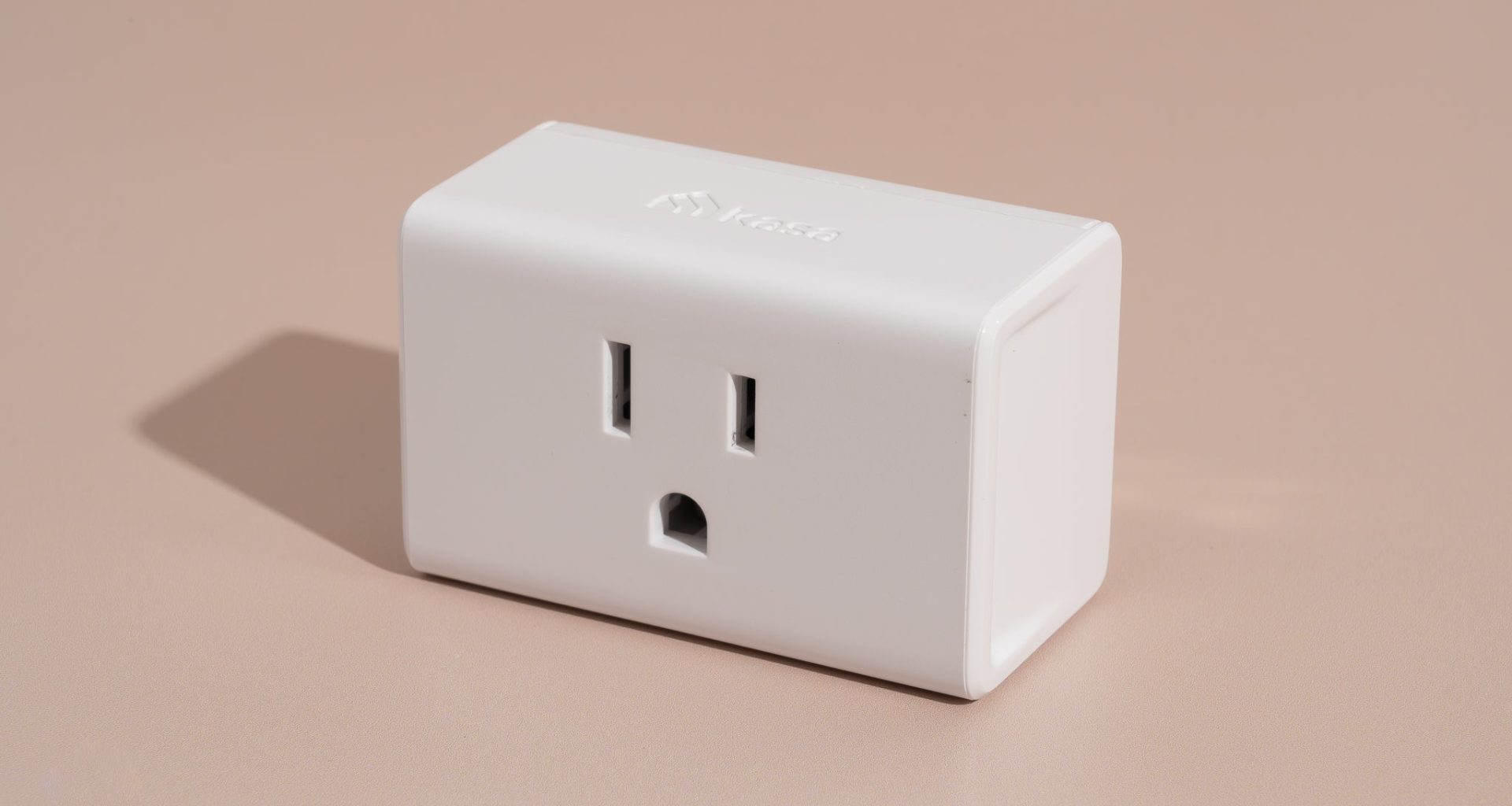
When I first added Kasa devices to our home, I wanted to make sure that everyone in the house could use them. This article explains how to set up multiple users in Kasa, so each family member can easily control the devices from their phones for better convenience and cooperation at home.

How to Set Up Kasa Family Sharing?
When I first set up Kasa in my home, I wanted everyone to have access without needing constant help. Here’s how to make that happen:
- Log into the Kasa app.
- Go to Settings and select Family and Guests.
- Add the email of the user you want to share Kasa with.
Once they accept the invitation and log in, they can control the devices just like you do. It’s a simple way to streamline smart home management for your household.
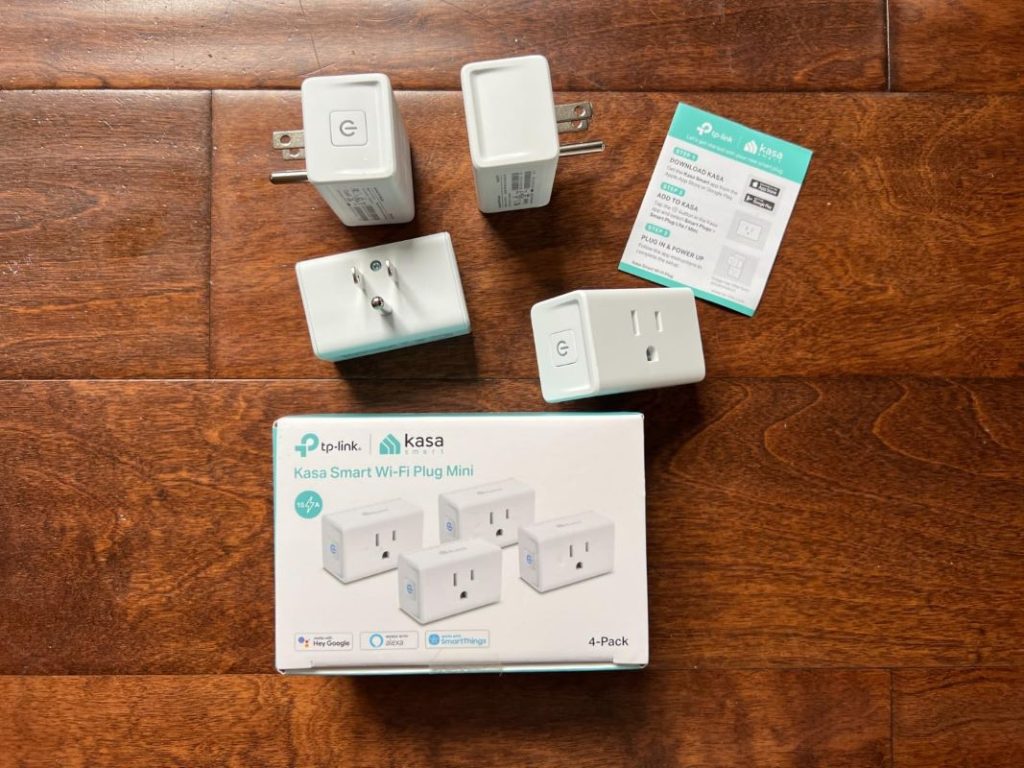
Alternate Ways To Share Kasa Account With Multiple Users?
If you prefer not to share your Kasa account directly, here are alternative methods I’ve used to give others control over my smart devices:
- Use a Shared Device: Set up a tablet or spare smartphone as a shared control hub. Log in to your Kasa account on this device and leave it in a common area, like the living room. This way, anyone in the household can adjust devices without needing personal access.
- Integrate With Third-Party Hubs: Link Kasa devices to Alexa, Google Home, or Apple HomeKit. Everyone in the house can then use voice commands to control lights or appliances without needing the Kasa app. This setup has been a game-changer for my family!
- Install Kasa Smart Switches: For guests or kids who don’t use the app, Kasa smart switches provide physical control. They’re especially handy for controlling lights without needing a phone.

Safety Tips To Share Kasa Device Login Details
Here’s what I’ve learned and implemented to keep our smart home secure:
- 🔒 Use Strong Passwords: Choose a password that’s at least 12-16 characters, combining letters, numbers, and symbols.
- 🔄 Regularly Update Passwords: Change your password occasionally, especially after sharing it with temporary users.
- 👀 Monitor Login Activity: Periodically check account activity to ensure only authorized users are accessing your devices.
- 📧 Create a Dedicated Email: Use a separate email account for your Kasa devices to avoid mixing personal and smart home-related accounts.
- 🔐 Enable Two-Factor Authentication (2FA): This adds a second layer of security, requiring a verification code in addition to your password.
- 👥 Share With Trusted Users Only: Limit access to immediate family or trusted individuals to minimize security risks.
- 📚 Educate Your Household: Teach family members basic security practices, like recognizing phishing attempts and avoiding weak passwords.
Kasa Share Device Made Easy!
I keep my Kasa setup secure with strong passwords, two-factor authentication, and by educating my family on safety. This ensures everyone can use it confidently, giving me peace of mind.
Here are more articles you may find interesting:
- Why Your Kasa Smart Plug Keeps Disconnecting and How to Fix It?
- TP Link Tapo vs Kasa: What’s The Difference And Which One Is Better?
- The Ultimate Guide to Thread and Matter Light Bulb
Frequently Asked Questions
How to share Kasa devices with your family?
How to add another person to Kasa?
Is Kasa app free to use?


Hashir
Hi, I’m Hashir, a tech enthusiast with a deep love for smart home innovations. My interest in technology has always been driven by the idea of making everyday life more streamlined and efficient. After years of experimenting with smart devices in my own home, I’ve made it my mission to share what I’ve learned with others. I focus on practical, easy-to-understand solutions that anyone can implement to enhance their home. Writing for JustSmarter allows me to connect with fellow tech lovers and help them take their first steps—or next steps—into the exciting world of smart homes.