

Key Takeaways
- Yes, you can dim the lights on battery and solar-powered Ring Floodlight Plus and Pro using the Ring Smart Lighting system.
- You can’t dim the wired Ring Floodlight Camera.
- To dim Ring Floodlight brightness:
- Open the Ring app and tap menu ≡ > Devices.
- Select your Ring Floodlight Camera.
- Find the Brightness or Dimmer option.
- Drag the brightness slider to the lower side to dim the Floodlight.
Adjusting the brightness of your Ring Floodlight can enhance comfort and security, but not all models support this feature. In this post, I’ll show you how to dim compatible Ring Floodlight Cameras.
Can You Dim Ring Floodlight Brightness?
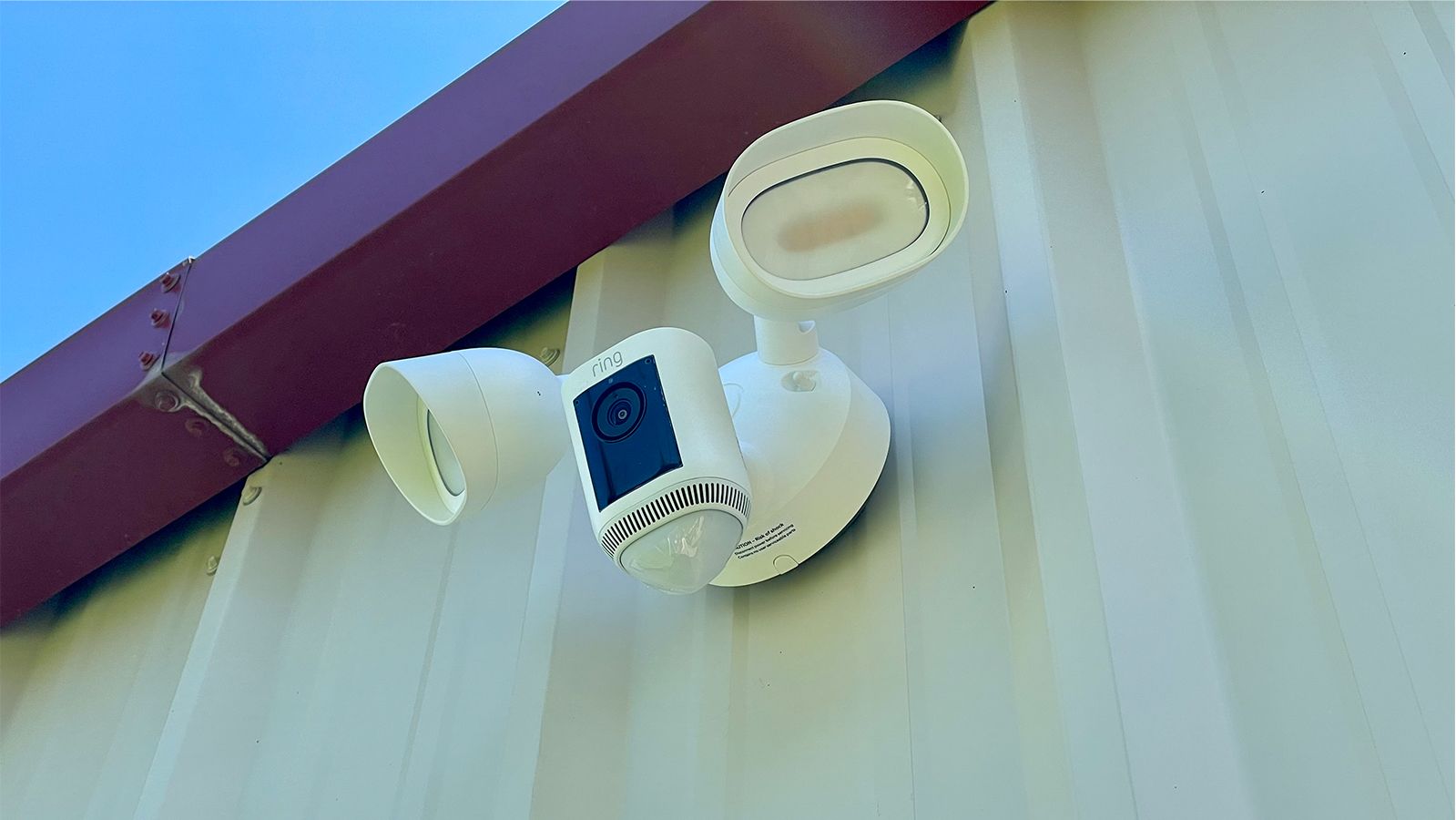
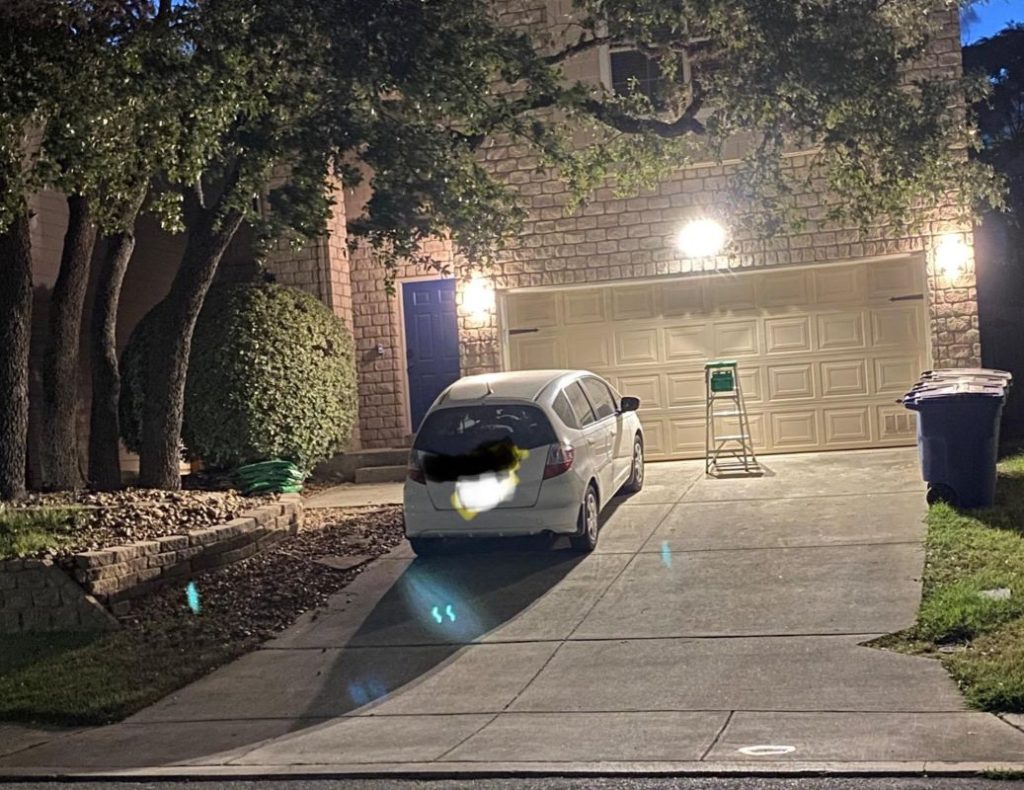
Yes, you can dim the brightness on certain Ring Floodlight models, such as the Ring Floodlight Plus and Ring Floodlight Pro, by using the Ring Smart Lighting system.
However, not all Ring Floodlights have this feature. For example, you can’t dim the wired Ring Floodlight (1st Gen) because its LED light doesn’t allow brightness adjustments. But you can easily dim Ring Floodlight brightness on newer solar or battery-powered Plus and Pro models.
How to Adjust Ring Floodlight Brightness
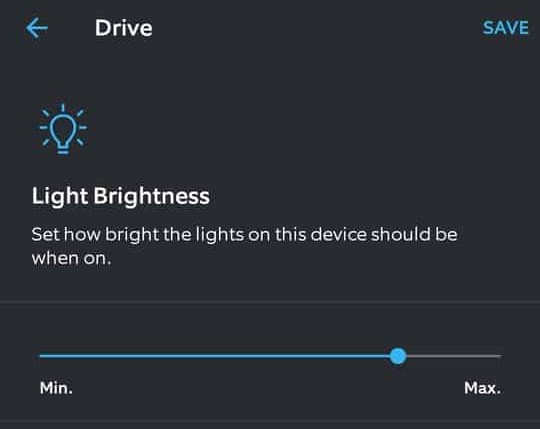
If you have a newer solar or battery-powered Ring Floodlight Pro or Plus, and it’s integrated with the Ring Smart Lighting system, you can easily adjust its brightness up or down through the Ring app.
Here’s how to dim Ring Floodlight brightness:
- Open the Ring app.
- Tap menu ≡ and select Devices.
- Choose your Ring Floodlight.
- Go to Device Settings > Light Settings.
- Look for the Light Brightness/Dimmer or a similar option.
- Drag the brightness slider to the lower side to dim Ring Floodlight brightness.
However, if your Floodlight doesn’t have a dimming feature, I’ve found a few workarounds that can help you adjust the brightness.
Alternative Ways to Dim Ring Floodlight Brightness
Adjusting the brightness of your Ring Floodlight can make a big difference in how your outdoor space looks and feels. Here are some quick ways you can use to adjust Ring Floodlight brightness:
1. Manually Adjust the Floodlight
For the original Ring Floodlight Cam, which doesn’t support in-app dimming, you can still control the brightness by adjusting the physical position of the lights to reduce glare.

Here’s how to do it:
- Turn off the power to the the Floodlight Camera before making any adjustments for safety.
- The floodlights are on adjustable arms. Move these arms to change the light’s direction, aiming them away from areas where the brightness is too strong.
- Make sure your Ring Floodlight is installed at least 9 feet above the ground for better light distribution.
- If the light is too intense in one spot, tilt the floodlight head slightly to spread the light more evenly, making it less harsh.
- Turn the power back on to test the new position. Make further adjustments as needed until the brightness is comfortable.
2. Use a Dimming Cap/Mesh
A simple and effective DIY method to reduce the brightness is by covering the light with a dimming cap or mesh. This softens the light without moving the fixture.
Here’s how to dim Ring Floodlight brightness using a dimming cap/mesh:
- Make sure the cap or mesh fits your Ring Floodlight model. It should cover the lights without blocking the camera or sensors.
- Carefully attach the cap or mesh to the floodlight. Some may clip on easily, while others might need a more secure attachment.
- See how the results look and make adjustments to your liking.
3. Use Dimmable Ring Lights
If the Ring Floodlight Cam is too bright, consider the Ring Spotlight Cam. It offers a softer 300 lumens and comes in both battery and wired versions. It also includes a siren, motion detection, and cloud recording.
For dimmable options, the Floodlight Cam Wired Plus and Floodlight Cam Wired Pro allow you to adjust brightness to your liking.
Ring Floodlight Brightness Control at Your Fingertips
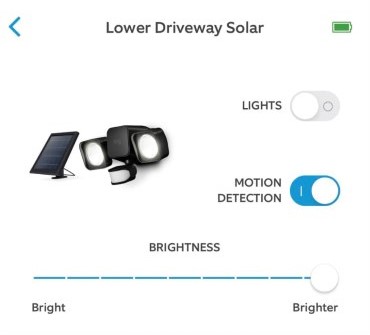
Solar and battery-powered Ring Floodlights can be dimmed via the Ring app, but the 1st Gen Wired model can’t. For that model, adjust the position or use a dimming mesh/cap. For easier brightness control, it’s best to upgrade to newer dimmable models.
Here are some more posts on Ring devices you might find interesting:
- If your Ring Doorbell stopped working after rain, power it off, dry it, restart it, check connections, ensure stable Wi-Fi, and contact Ring if the issue persists.
- If your Ring Doorbell stopped working after rain, power it off, dry it, wipe the lens, reconnect to Wi-Fi, and reset it.
- Prevent Ring Camera fogging by using anti-fog spray, cleaning the lens, improving airflow, and checking weatherproofing seals.
Frequently Asked Questions
Is Ring Floodlight dimmable?
Can I adjust the Ring Floodlight color temperature?
Can you adjust brightness on the Ring Spotlight?
1, Open the Ring app.
2. Select your Spotlight Cam from the device list.
3. Find and tap on the Light Settings option.
4. Use the slider to adjust the brightness to your preference.
5. The changes will apply immediately.


Hashir
Hi, I’m Hashir, a tech enthusiast with a deep love for smart home innovations. My interest in technology has always been driven by the idea of making everyday life more streamlined and efficient. After years of experimenting with smart devices in my own home, I’ve made it my mission to share what I’ve learned with others. I focus on practical, easy-to-understand solutions that anyone can implement to enhance their home. Writing for JustSmarter allows me to connect with fellow tech lovers and help them take their first steps—or next steps—into the exciting world of smart homes.