


Key Takeaways
- No, Ring Doorbells don’t record all the time. Ring Doorbells only record when:
- They detect motion
- Someone presses the button
- You manually initiate a Live View through the Ring app
Wondering if your Ring Doorbell records everything 24/7? The short answer is no, but in this post, I’ll show you how to enhance its recording and explore continuous recording alternatives.
Do Ring Doorbells Record All the Time?
No, Ring Doorbells do not record continuously. They only capture video when motion is detected, the doorbell is pressed, or you activate Live View.
To extend video storage and access more footage, you can subscribe to a Ring Protect plan. For continuous recording, consider alternatives like Nest or Arlo doorbells that support 24/7 recording.
When Do Ring Doorbells Record?
Ring Doorbells record in the following situations:
- 📡 Motion Detection: Ring Doorbell starts recording when it detects motion in the customizable motion zones you’ve set. The motion detection sensitivity can be adjusted to avoid unnecessary recordings.
- 👁️ Live View Activation: You can manually activate the Live View at any time through the Ring app to check the camera feed. Once activated, the Doorbell will start recording the Live View session.
- 🔔 Doorbell Press: When someone presses the Doorbell button, it triggers a recording along with a notification to your phone.
If you subscribe to a Ring Protect plan, all recordings are saved and accessible in the cloud. Without a subscription, you can still receive notifications, see live views, and use two-way audio, but recordings won’t be saved for later viewing.
Do Ring Cameras Record All the Time?
No, Ring Cameras do not record continuously, just like Ring Doorbells. They only record when motion is detected or when you manually start Live View.

Ring Cameras only begin recording in two main situations:
- 🏃♂️ When They Detect Motion: Ring Cameras start recording when motion is detected, ensuring important events are captured without wasting storage or power on inactive moments.
- 📱 When You Use the Live View Feature: You can manually start recording by using the Live View feature in the Ring app, allowing you to check your home and view real-time footage whenever you want.
How Can Ring Record 24/7?
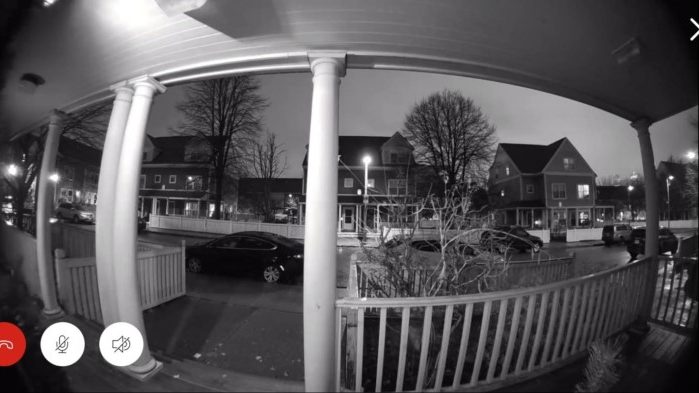
Ring devices don’t record 24/7 by default, but there are ways to get continuous recording features depending on the model and setup. Here’s how you can enable something close to 24/7 recording with Ring:
1. 📹 Ring Protect Plan With Video Doorbells and Cameras
Ring devices will record based on motion detection or doorbell presses. However, subscribing to a Ring Protect Plan allows you to save these motion-triggered recordings and access them for up to 180 days. This isn’t full 24/7 recording but offers continuous event-based recording.
2. 💾 Ring Edge With Ring Alarm Pro or Ring Protect Pro Plan
The Ring Alarm Pro system supports Ring Edge, enabling local video storage on a microSD card. This lets you store event-based recordings locally, although continuous recording is not supported.
3. 📸 Use the Snapshot Capture Feature
The Snapshot Capture feature lets Ring Cameras and Doorbells take periodic snapshots throughout the day, filling gaps between motion-triggered events. This creates a time-lapse of idle periods. You can adjust the snapshot frequency in the Ring app, setting it to capture images every few minutes.
Here’s how to get this set up:
- Open the Ring app and tap the menu icon (☰).
- Tap Devices and select your Ring Camera.
- Go into Device Settings, find Snapshot Capture, and turn it on.
- Choose how often snapshots are taken. More snapshots provide more coverage but may impact battery life and storage.
- Tap Save when you’re done.
4. ⏳ Increase Video Duration
Now, let’s talk about video duration for your wired Ring cameras. With a Ring Protect Plan, your device records motion for a specific time. By default, it’s set to Auto, meaning it records as long as motion continues, up to 120 seconds.
Here’s how to customize video settings:
- In your Ring app, head to Devices and choose the one you want to adjust.
- Tap Device Settings > Video Settings > Video Recording Length.
- If you want it smart, keep it on Auto. Or, select a fixed time like 50, 60, 90, or 120 seconds for a set recording length.
5. 🔌 Continuous Power Supply & Regular Triggering
Keeping your Ring Camera or Doorbell connected to a continuous power source can help ensure it’s always ready to record. Plus, by adjusting the motion sensitivity and zones, you can have frequent recordings when motion is detected, providing something close to 24/7 coverage in high-activity areas.
Ring Doorbell Alternatives for Continuous Recording
If you need true 24/7 continuous recording, Ring isn’t the ideal choice. You might want to consider alternatives like Nest Cameras or Wyze Cam models that offer continuous recording when connected to power.
Let’s look at a few options below:
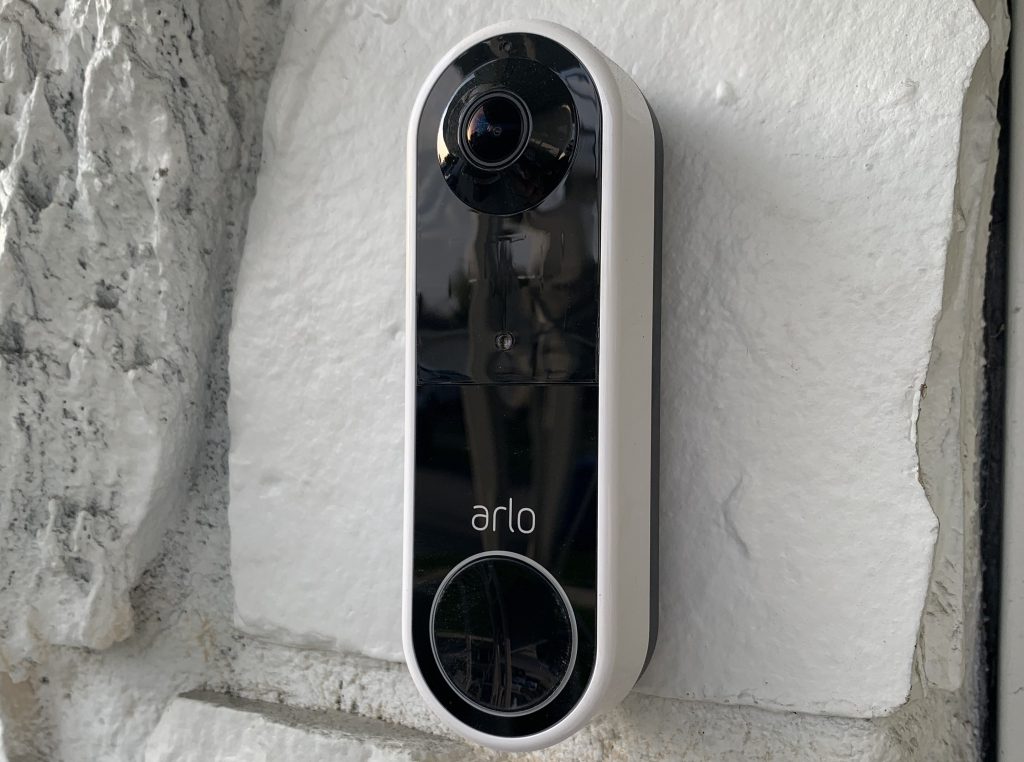
- Arlo Doorbell: Offers high-quality video, motion detection, and two-way audio. When plugged in, it supports continuous video recording with an Arlo Secure subscription. The wireless setup and smart alerts make it a versatile choice.
- Google Nest Doorbell (Wired): Provides 24/7 continuous recording with a Nest Aware Plus subscription. It features intelligent alerts, HD video, and seamless integration with Google Home.

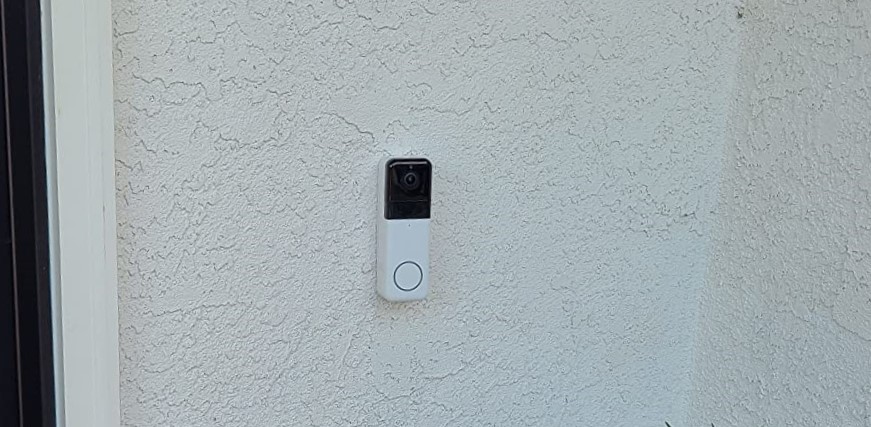
- Wyze Video Doorbell Pro: A budget-friendly option with 2K video resolution, motion detection, and two-way audio. It supports continuous recording via microSD card, offering local storage without a subscription.
Ring Doorbell Continuous Recording
Ring Doorbells don’t offer continuous recording. If you need 24/7 surveillance, you’re better off investing in Arlo, Nest, or Wyze cameras. But if you have a Ring Doorbell/Camera, here’s how to make the most of it:
- You can view multiple Ring Cameras on one screen via Ring.com to monitor multiple areas.
- If your Ring snapshot is not updating or stuck updating, ensure the feature is enabled, your Ring Protect Plan is active, and reboot the device.
- You should know what features you get on using Ring without a subscription.
Frequently Asked Questions
How does the Ring Security System work?
How long does Ring doorbell record?
Can I share access to my Ring Security System with family members?
Can I adjust the length of Ring doorbell recordings?
Can Ring doorbells and cameras function in extreme weather conditions?


Hashir
Hi, I’m Hashir, a tech enthusiast with a deep love for smart home innovations. My interest in technology has always been driven by the idea of making everyday life more streamlined and efficient. After years of experimenting with smart devices in my own home, I’ve made it my mission to share what I’ve learned with others. I focus on practical, easy-to-understand solutions that anyone can implement to enhance their home. Writing for JustSmarter allows me to connect with fellow tech lovers and help them take their first steps—or next steps—into the exciting world of smart homes.


