Key Takeaways
- Battery Eufy cameras record short clips of up to 2 minutes.
- Wired Eufy cameras can record all the time, limited by how much storage they have.
- Extend Eufy recording time by:
- Lowering video resolution.
- Adjusting motion sensitivity.
- Using larger storage.
- Adding solar panels for battery models.
- Protecting cameras from extreme weather.
Wondering how long your Eufy camera can watch over your home all the time? In this article, we’ll explore Eufy cameras’ recording capabilities. From battery-powered models lasting up to a year to wired options providing continuous surveillance, I’ll cover it all. Plus, I’ll also share tips to help you maximize your Eufy camera recording time.
How Long Eufy Camera Can Record?
Eufy cameras can record event-triggered videos from 20 seconds to 2 minutes per event for battery-powered models. Wired models offer continuous recording, limited only by storage capacity, allowing for days to weeks of footage depending on the storage option used.
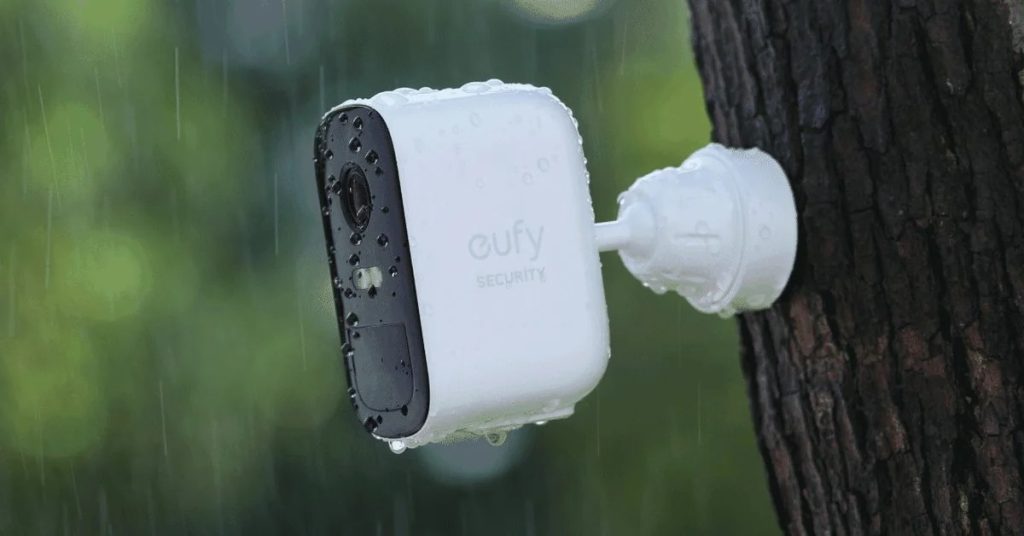
Eufy cameras are smart security cameras that help keep your home safe by watching over it and recording what happens. They can record in different ways to make sure they catch important moments. Here’s how they do it:
🔄 Battery Cameras (Event-Triggered Recording)
These cameras run on batteries and start recording only when they spot movement. They can make a video that lasts from 20 seconds up to 2 minutes whenever they detect motion. After they finish recording, they stop and wait to see movement again before starting another video. This method helps the battery last a long time because the camera only records when it needs to.
🔌 Wired Cameras (Continuous Recording)
These cameras are connected to a power source and can record non-stop, day and night. The length of time they can keep recording without overwriting old footage depends on their storage capacity. If they’re using a memory card, they’ll record until the card is full. Then, they’ll start deleting the oldest videos to make space for new ones. The bigger the memory card, the more video you can store before old footage is deleted.
How to Make Eufy Camera Record Longer?
To make a Eufy camera record longer, lower the video resolution, adjust motion detection sensitivity, use larger microSD cards or cloud storage, employ solar panels for battery cameras, and protect it from extreme weather.
Maximizing the recording time of your Eufy camera ensures you never miss a moment. Here are key strategies to extend Eufy recording length effectively:
1. Video Quality
When you choose super clear video settings, like 2K, your camera makes really big video files. This means your camera’s memory card or cloud storage gets full really fast, and it can’t record as much.
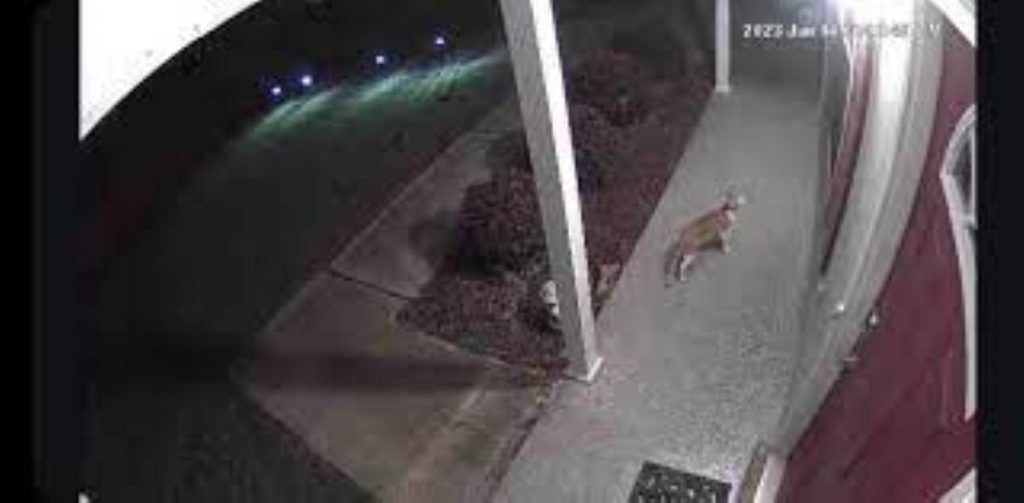
What to Do: Try setting your camera to a good but slightly lower quality, like 1080p. This way, the videos are still clear, but they don’t take up as much space, so you can record more.
2. Motion Detection Settings
If your camera is set to notice every little thing that moves, it will start recording all the time. This can fill up your storage super quickly because it’s making lots of videos you might not need.
What to Do: Change the settings so your camera only records when it sees bigger movements, like a person coming close, not just a leaf blowing by. This way, it saves space for the important stuff.
3. Storage Capacity
If your camera doesn’t have a lot of space to save videos, it will run out of room quickly and start deleting the oldest videos to make space for new ones.
What to Do: You can put in a bigger memory card if your camera uses one or look into cloud storage options. Some cloud plans let you save a lot of videos online, so you don’t have to worry about running out of space.
4. Power Source
Cameras that run on batteries can only record for a certain amount of time before the battery runs out. If your camera is recording a lot, especially if it’s catching a lot of movement, the battery will drain faster.
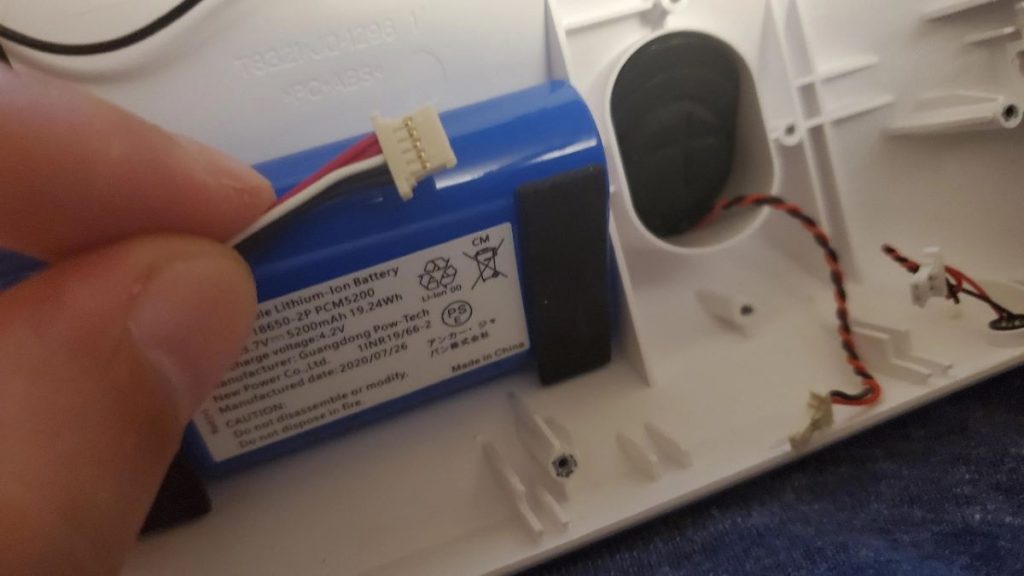
What to Do: If you have a camera that uses batteries, you can add a solar panel to keep it charged or put it somewhere it won’t see as much movement all the time. For non-stop recording, it’s best to use a camera that plugs into power.
5. Environmental Factors
Cameras outside can be affected by really hot or cold weather, which can make the battery not last as long. Also, if it’s in a place with lots of rain, snow, or dust, it might need more care to keep working right.
What to Do: Try to put your camera in a spot where it’s protected from bad weather, like under a roof edge. You can also buy special covers that help protect your camera from the elements.
What Are the Recording Times of Different Eufy Cameras?
Eufy cameras offer varied recording times: Battery-powered models like EufyCam 2 and 3 can last up to 365 days on motion detection. Wired Indoor Cams record 24/7, limited by storage capacity, which can extend to weeks with a 128GB microSD card or cloud storage.
Let’s talk more about how long Eufy cameras can keep recording. It really depends on a few things, like if they have batteries or are plugged in, how you choose to record, and where the videos are saved.
Battery-Powered Eufy Cameras

1. EufyCam 2, 2C, 2 Pro, 2C Pro: These cameras are great because they work on batteries and can last a really long time – up to a whole year (365 days) without needing a new charge. They’re smart, too, they only start recording when they see something moving, which helps save battery.
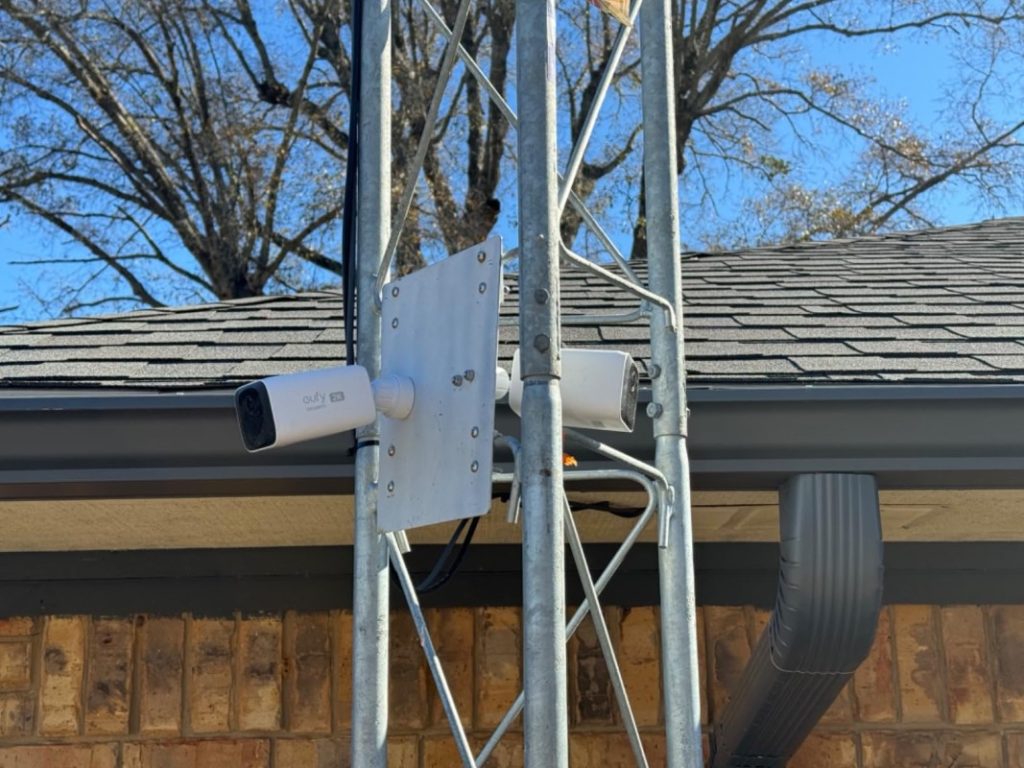
2. EufyCam 3 (EufyCam Plus): This is a newer camera that also doesn’t need a charge for up to a year. Just like the others, it records videos when it notices movement.
Wired Eufy Cameras
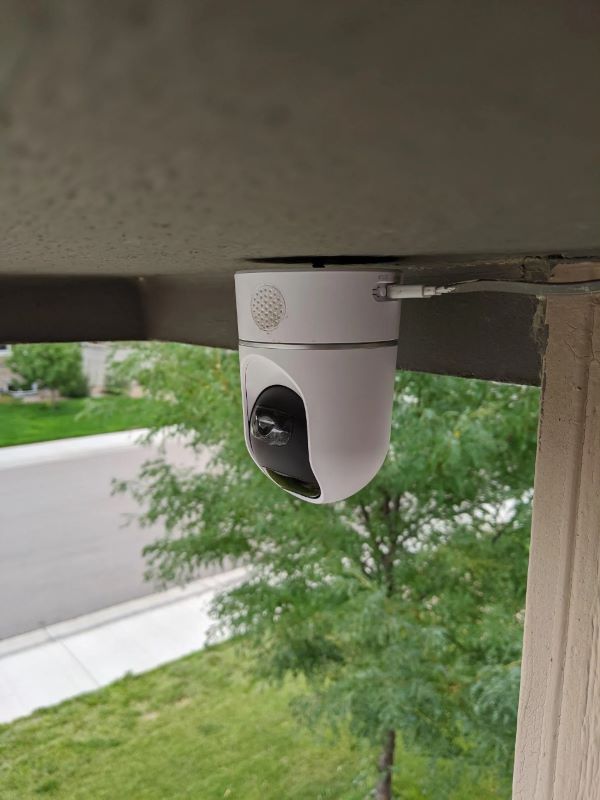
3. Indoor Cam 2K and 2K Pan & Tilt: These cameras are always plugged into power so that they can keep an eye on things all day and night. How much they can record depends on a couple of things: how clear you want the video to be and how much space you have on a microSD card or in the cloud.
For example, if you use a 128GB microSD card, you can store about two weeks of non-stop video if you’re recording at high quality.
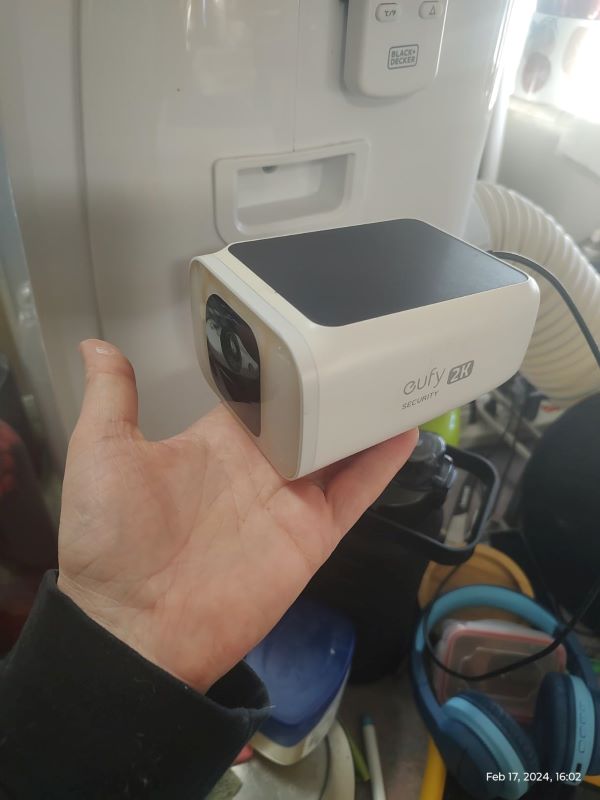
4. SoloCam Series (like SoloCam E20, L20): Usually, these cameras use batteries and start recording when they see motion. But, if you plug them in, they can record all the time. Just like the Indoor Cams, how much they can record depends on the video quality and where you’re saving the videos.
Eufy Camera Recording Time: Unlocking Endless Recording
This was all about Eufy’s recording duration. Choose between battery for short clips or wired for all-day coverage. And to boost recording time, tweak settings accordingly in the app and expand its storage. Also, don’t forget to protect your camera from the weather to ensure it keeps recording smoothly.
For more helpful guides on different security cameras:
- Top 5 eufy 24/7 Recording Cameras: Expert Picks
- Is There a Blink Continuous Recording Camera for 24/7 Surveillance?
- Best HD and 4K Doorbell Camera: Tried, Tested & Reviewed
- Which is the Best Continuous Recording Security Camera: The Top 7 in 2024
Frequently Asked Questions
How long does Eufy store videos?
How to view Eufy recordings?
Can I use third-party cloud storage with my Eufy camera?
Do Eufy cameras support live streaming?
Can we schedule recording times for Eufy cameras?
Does Eufy automatically delete recordings?
Do Eufy cameras still record with no WiFi?