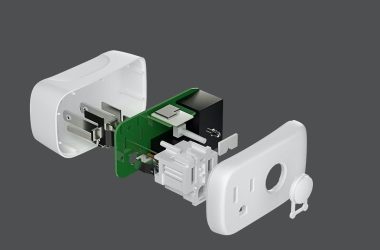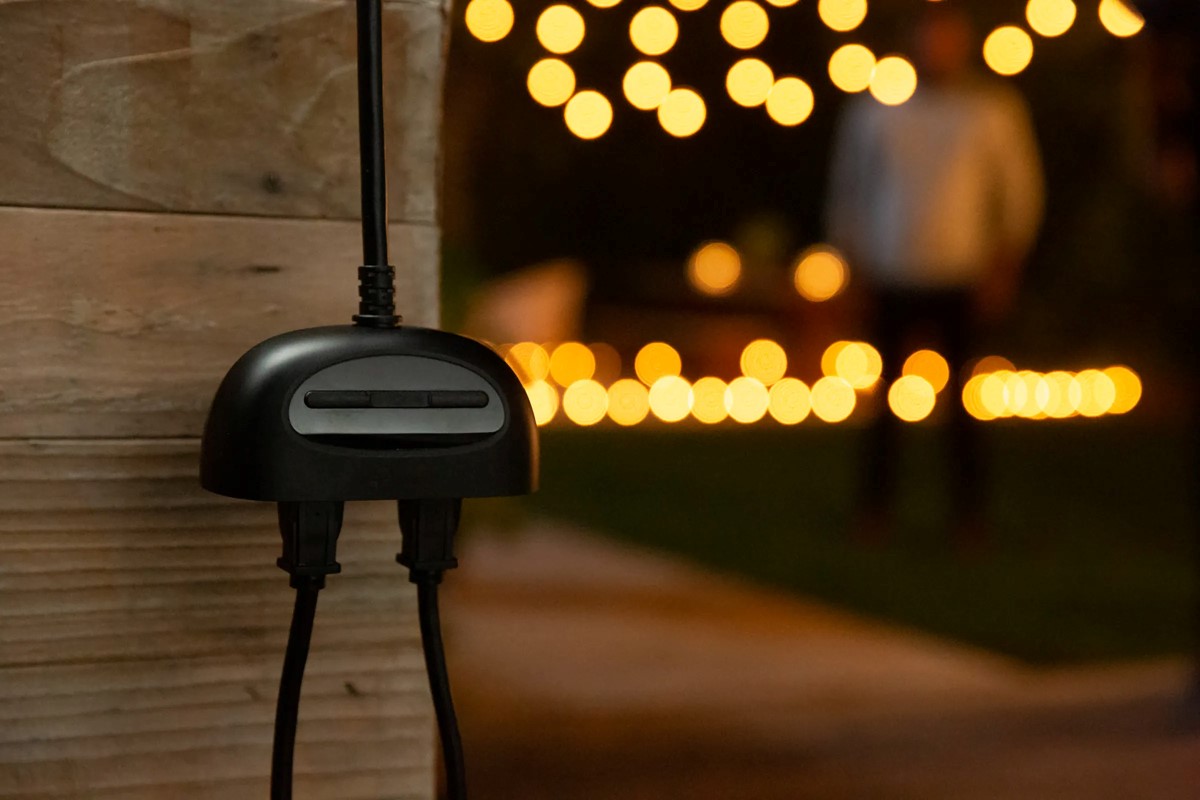


Key Takeaways
- Kasa smart plugs may disconnect due to obstacles, distance from the router, too many devices, or outdated routers.
- Simple fixes include repositioning your router, managing device load, and updating router firmware.
- For persistent issues, consider upgrading your router or contacting Kasa support.
Struggling with constant Kasa smart plug lost connection? It’s a common headache for many smart home users. Often, the culprit is something as simple as walls blocking signals, too many devices on your Wi-Fi, outdated routers, or interference from other electronics.
But don’t worry, I’ve got solutions! In this article, we’ll break down these common issues and guide you through easy fixes, from rearranging your router to updating its software.
Why My Kasa Smart Plug Keeps Disconnecting?

With your Kasa Smart Plug offline, your smart home system can become less effective. So, to troubleshoot and resolve this issue quickly, here are a few things you can do:
1. 🏠 Environmental Factors
- Physical Obstructions: Wi-Fi signals can be significantly weakened by physical barriers like concrete walls, metal frames, or thick floors. It’s similar to how sound gets muffled through a closed door. To improve this, try placing your router in a central, open area and avoid tucking it away in cabinets or behind large objects.
- Distance from the Router: The strength of Wi-Fi signals decreases with distance. If your Kasa smart plug is too far from the router, it might not receive a strong enough signal. You can solve this by moving the plug closer to the router, or by using a Wi-Fi extender or a mesh network system, which acts like multiple mini-routers spread throughout your home.
2. 💻 Network Overload
- Too Many Devices: Each device on your Wi-Fi network, like smartphones, tablets, and smart home gadgets, shares the same bandwidth. If there are too many devices, your smart plug might struggle to stay connected. You can manage this by disconnecting devices that are not in use, especially during times when you need a stable connection for important tasks.
- Bandwidth Issues: Activities like streaming HD videos or online gaming can consume a lot of bandwidth. If these activities are happening while you’re trying to use your smart plug, it might struggle to stay connected. Consider upgrading your internet plan for higher bandwidth or setting up Quality of Service (QoS) on your router to prioritize essential devices.
3. 🔧 Hardware Limitations
- Router Capabilities: Older routers may not support the latest Wi-Fi standards, which offer improved speed and range. If your router is outdated, it might not effectively handle the demands of modern smart home devices. Upgrading to a newer router model can significantly enhance your home network’s performance.
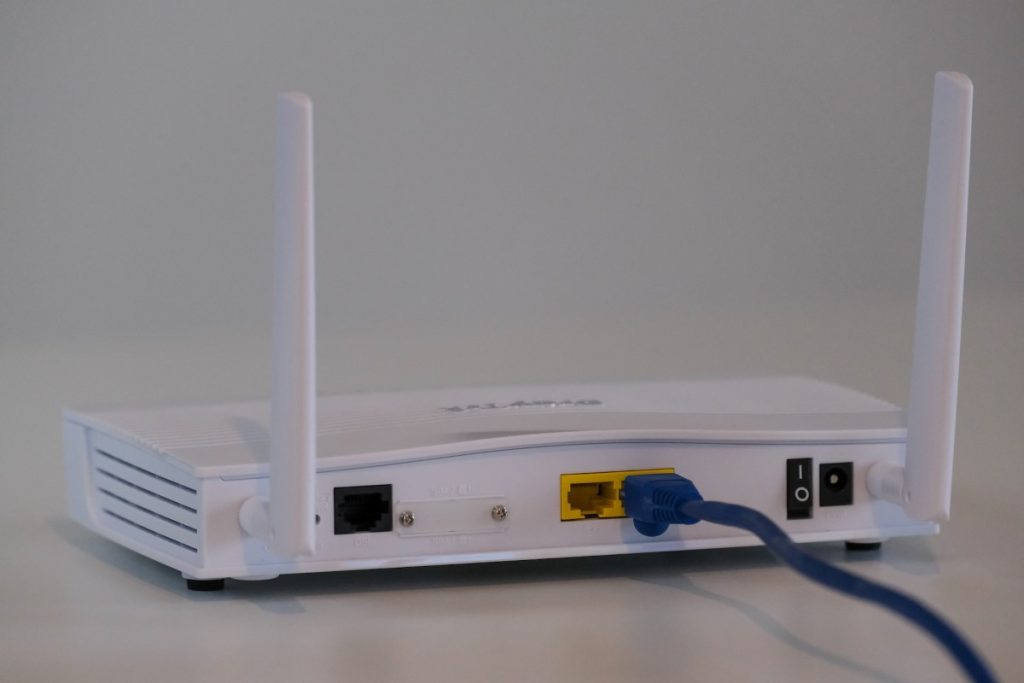
- Firmware Updates: Regular firmware updates are crucial for maintaining router performance and security. These updates often include fixes for connectivity issues and improvements in speed and stability. Check your router’s manual or website for instructions on how to update its firmware.
4. 🛰 Interference
- Other Devices: Common household devices like cordless phones, baby monitors, and even your neighbor’s Wi-Fi can interfere with your signal. This interference can disrupt the connection to your smart plug. To minimize this, keep your smart plug and router away from these devices, or switch to a Wi-Fi channel that’s less crowded.
- Signal Disruptions and Channel Congestion: In areas with many Wi-Fi networks, such as apartment buildings, the airwaves can become crowded, leading to signal interference. Most routers can automatically select the best channel, but you can also manually change the channel to find a less congested one for better performance.
How Can You Solve and Troubleshoot Kasa Smart Plug Wi-Fi Disconnections Effectively?
Troubleshoot Kasa smart plug Wi-Fi disconnections by optimizing router and plug placement, managing network load, upgrading hardware, reducing interference, updating firmware, and resetting devices. For persistent issues, contact Kasa support with detailed device information for assistance.
Struggling with your Kasa smart plug losing its Wi-Fi connection? Let’s dive into straightforward solutions to keep your smart home connected and running efficiently.
1. Environmental Adjustments
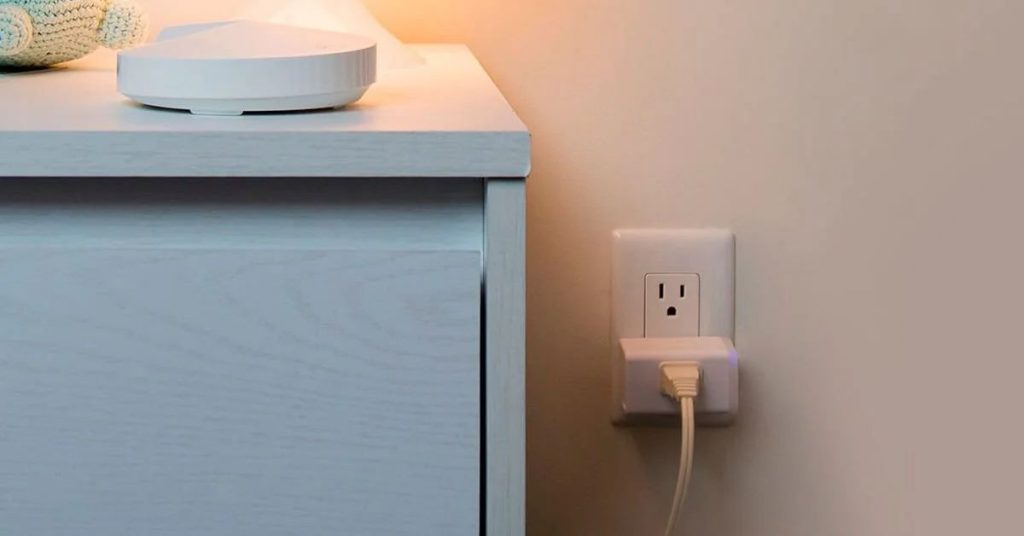
Place your Kasa smart plug and router in open areas for better signal reach. Avoid locations near thick walls, metal objects, or large furniture, as these can block or weaken Wi-Fi signals. For instance, placing a router in a central location rather than in a corner can significantly improve coverage.
2. Network Management
Creating guest networks on your Wi-Fi router helps balance the load. This is particularly useful when you have visitors who need internet access but don’t require access to all your devices. It keeps your main network less crowded.
Use Quality of Service (QoS) settings to prioritize Wi-Fi traffic. This means you can set your smart home devices, like your Kasa smart plug, to have priority over other less important traffic, ensuring they always have a stable connection.
3. Hardware Upgrades
Investing in a newer, more powerful router can make a big difference in your Wi-Fi’s range and strength, which is particularly beneficial in larger homes where distance can be a factor.
Wi-Fi extenders can also help by boosting the signal in areas of your home that the router doesn’t reach well, ensuring your Kasa smart plug stays connected.
4. Interference Reduction
Switching your Wi-Fi channel can help avoid interference from other nearby networks. This is especially helpful in densely populated areas like apartment complexes where many networks can overlap.
Keep your Kasa smart plug away from appliances that emit electromagnetic interference, such as microwaves, cordless phones, and even Bluetooth speakers, as these can disrupt the Wi-Fi signal.
5. Firmware Updates
Regularly updating the firmware of your Kasa Smart Plug and your Wi-Fi router ensures you have the latest features, performance improvements, and security patches. This can often resolve hidden bugs that may be causing connectivity issues.
6. Resetting and Reconfiguring
If your Kasa smart plug is still having issues, a reset might be necessary. This process clears its memory and allows you to set it up afresh, which can often resolve lingering connectivity problems.
7. Technical Support
If all else fails and you’re still experiencing issues, reaching out to Kasa’s technical support can be your best bet. Be prepared with specific details about your device, such as the model, firmware version, and a clear description of the issue. This information will help the support team provide more effective assistance.
How to Prevent Kasa Plug Offline Issue?
Prevent Kasa Switch offline issues by regularly updating firmware, rebooting routers, securing your network, managing connected devices, and investing in advanced routers or Wi-Fi extenders for better coverage. These steps ensure stable and reliable connectivity for your smart home devices.
To prevent your Kasa smart plug from frequently disconnecting from your Wi-Fi, here are some detailed strategies:
- 🔄 Firmware Updates for Kasa Smart Plug and Router: Regularly check for and install firmware updates for both your Kasa smart plug and Wi-Fi router. These updates often include fixes for connectivity issues, improvements in performance, and security enhancements. Think of it as keeping your smart plug and router in top shape.
- 🔌 Router Reboots: Periodically rebooting your router can clear out any temporary glitches in its system that might be causing connectivity issues. It’s like restarting your computer to improve its performance. You can do this by simply unplugging the router, waiting for a minute, and plugging it back in.

- 🔒 Network Security: Secure your Wi-Fi network with a strong password to prevent unauthorized access. An open or weakly secured network can be overloaded with unknown devices, which can lead to your Kasa smart plug disconnecting.
- 📱 Device Management: Regularly monitor the devices connected to your network. If there are too many devices, or if some are not in use, disconnect them to reduce network load. This ensures that your Kasa smart plug gets a stable share of the Wi-Fi signal.
- 📡 Invest in Advanced Router Technology: Consider upgrading to a more advanced router, especially if you have multiple smart home devices. Modern routers offer better management of multiple connections and stronger signals, which is crucial for maintaining the connectivity of devices like Kasa smart plugs.
- 🚀 Expand Wi-Fi Coverage: If your home is large, consider investing in Wi-Fi extenders or a mesh network system to ensure strong Wi-Fi coverage throughout your home. This helps in maintaining a stable connection for your Kasa smart plug, even if it’s located far from the main router.
How Do Internet Service Providers (ISPs) Affect Connectivity Issues?
Your Internet Service Provider (ISP) plays a crucial role in the connectivity of your Kasa smart plug. Here are the common issues caused by ISPs and how they can affect your device:
1. 🐢 Slow Internet Speeds
- Low internet speeds can cause your smart plug to lose connection frequently.
- Solution: Contact your ISP to upgrade to a faster plan if available.
2. 🌩️ Unstable Connections
- Frequent drops in your ISP’s service can result in disconnections.
- Solution: Check with your ISP for known outages or service issues in your area.
3. 📉 Data Caps
- Some ISPs impose monthly data limits. Exceeding these caps can throttle your connection, leading to instability.
- Solution: Opt for an unlimited data plan if your current plan has restrictions.
4. 🏠 Inadequate Support for Smart Homes
- Not all ISPs offer services optimized for multiple smart devices.
- Solution: Consider switching to an ISP known for reliable smart home connectivity.
5. 🌐 Overloaded Networks
Solution: Discuss with your ISP about potential upgrades or dedicated bandwidth options.
Shared connections in high-density areas may cause congestion, affecting your device’s performance.
Stay Connected: Final Thoughts on Kasa Smart Plug Stability
Keeping your Kasa smart plug connected smoothly boils down to a few key actions:
- Optimize placement and manage network load to reduce disconnections.
- Regularly update firmware and consider hardware upgrades for better performance.
- Check your ISP’s plan and stability, as it significantly impacts connectivity.
Remember, a little attention to these details can greatly enhance your smart home experience, ensuring your Kasa smart plug stays reliably connected and functional.
Frequently Asked Questions
Is there a limit to how many Kasa Smart Plugs I can connect to my Wi-Fi network?
What are the security implications of Wi-Fi disconnections in smart home devices?
Are there any specific settings on my router that could prevent Kasa Smart Plugs from connecting?
Can I control my Kasa Smart Plug when I am away from home?
How do I reconnect my Kasa smart plug to a new Wi-Fi?
How do I fix an unresponsive smart plug?
Does Kasa slow down Wi-Fi?


Hashir
Hi, I’m Hashir, a tech enthusiast with a deep love for smart home innovations. My interest in technology has always been driven by the idea of making everyday life more streamlined and efficient. After years of experimenting with smart devices in my own home, I’ve made it my mission to share what I’ve learned with others. I focus on practical, easy-to-understand solutions that anyone can implement to enhance their home. Writing for JustSmarter allows me to connect with fellow tech lovers and help them take their first steps—or next steps—into the exciting world of smart homes.