

Key Takeaways
- 2.4GHz: Longer range, better for distance/outdoor use, but slower and more interference.
- 5GHz: Faster, less interference, best for indoor/close use, but shorter range.
- Use 2.4GHz for range, 5GHz for speed, and combine both for best performance.
- Most Ring devices support 2.4GHz, 5GHz is for newer models only.
Choosing Ring Camera 5GHz or 2.4GHz affects its performance. This guide simplifies the pros and cons of each Wi-Fi band to help you pick the best option and switch easily for smooth operation.
Is Ring Camera 5GHz or 2.4GHz Band Better?
Both these Wi-Fi bands are fine for your Ring Camera but for different needs. 2.4GHz offers better range, ideal for outdoor or distant cameras, but has slower speeds and more interference. 5GHz provides faster speeds with less interference, perfect for indoor or close-range cameras.
Both frequency bands have their strengths, and the choice depends on factors like your home’s layout, internet usage, and distance from your router. Below, I’ve shared the pros and cons of both Wi-Fi bands.
2.4GHz: Longer Range, Lower Speed
Pros
- Better Range: 2.4GHz has a longer reach, making it ideal for Ring Cameras placed farther from your router or outdoors.
- Compatibility: Nearly all Wi-Fi-enabled devices, including Ring Cameras, work on 2.4GHz.
- Better for Obstacles: This band is better at penetrating walls and obstacles, so it’s more stable in homes with thick walls or multiple floors.
- Better for Low-bandwidth Devices: Ideal for smart home devices that don’t require high speeds, like smart plugs, light bulbs, or thermostats.
Cons
- Lower Speed: While it offers more range, the 2.4GHz band provides slower speeds than 5GHz, which may result in lower-quality video streams.
- More Interference: Since many household devices (like microwaves and smart gadgets) use 2.4GHz, interference can be more frequent, impacting camera performance.
- Higher Latency: It can have higher latency, which might affect real-time applications like live video feeds.
5GHz: Faster Speed, Shorter Range
Pros
- Higher Speed: 5GHz delivers faster internet speeds, which can improve video quality and reduce lag during live viewing.
- Less Interference: Fewer devices use the 5GHz band, resulting in a more stable connection if your camera is in close proximity.
- Faster Congestion Handling: 5GHz has more non-overlapping channels, reducing network congestion, especially in densely populated areas.
Cons
- Shorter Range: The 5GHz band doesn’t cover as much distance, so it’s better suited for indoor Ring cameras placed closer to your router.
- Struggles With Obstacles: This band doesn’t penetrate walls as well, meaning you could lose signal strength if your camera is far from the router or blocked by walls.
- Limited Router Compatibility: Not all routers support 5GHz, especially older models, so upgrading your router might be necessary for optimal performance.
So, Which One Is Better?
The best choice depends on your setup:
- Use 2.4GHz for cameras placed farther from your router, especially outdoors or in large homes where the signal needs to travel further.
- Use 5GHz if your camera is indoors or close to the router and you want faster speeds and higher video quality.
For many users, a combination of both bands (if supported by your router) works best, providing flexibility and ensuring that your Ring cameras stay connected with the best performance possible.
Which Ring Cameras Support Both Bands?
Several Ring Cameras support both 2.4GHz and 5GHz Wi-Fi bands, offering flexibility in connectivity. These include:
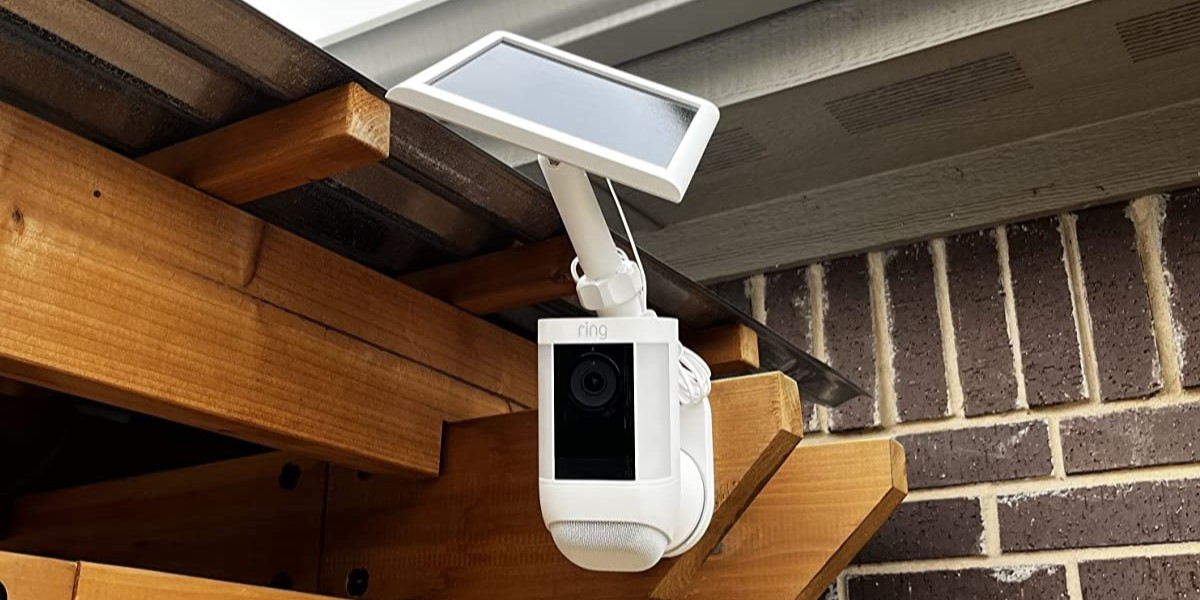
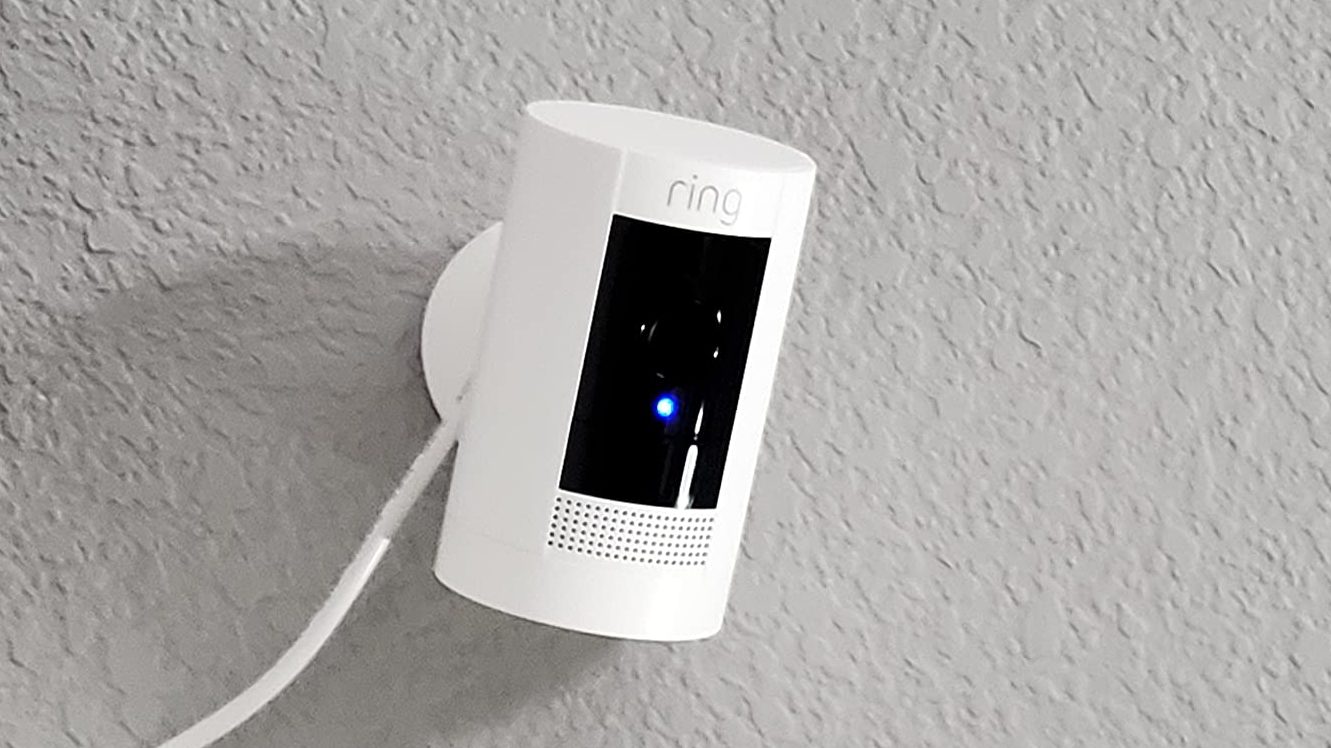
- Ring Stick Up Cam (Battery, Plug-In, and Solar)
- Ring Spotlight Cam Plus
- Ring Floodlight Cam Wired Pro
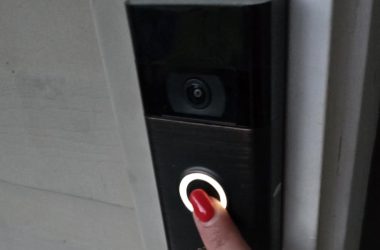
Besides these Ring Cameras, Ring Video Doorbell 3, Ring Video Doorbell 3 Plus, Ring Video Doorbell 4, Ring Video Doorbell Pro, and Ring Video Doorbell Pro 2 also support both 2.4GHz and 5GHz.
Can You Force Your Ring Camera to a Specific Wi-Fi Network (5 or 2.4 GHz)?
No, you can’t directly force a Ring Camera to use 2.4GHz or 5GHz. The camera connects based on the router’s configuration and signal strength. However, you can manage this indirectly:
- Separate SSIDs: If your router broadcasts distinct network names (SSIDs) for 2.4GHz and 5GHz, you can select the desired network during setup.
- Change Wi-Fi Channels: Adjusting your router’s Wi-Fi channel can reduce interference and improve performance without forcing a specific band.
Tips to Improve Your WiFi Connection for Ring Camera
A strong and stable Wi-Fi connection is essential for optimal Ring Camera performance. Here’s how to boost your network:
- 📡 Position Your Router Strategically: Place your router in a central location, away from walls or large furniture that could block the signal.
- 📶 Use a Wi-Fi Extender or Mesh Network: Extend your coverage to reach distant cameras and reduce connection drops.
- 🚫 Minimize Interference: Change your router’s channel to avoid clashes with nearby networks or devices.
- ⚙️ Upgrade Your Router: If your router is outdated, consider upgrading to a dual-band or tri-band model to support multiple devices more efficiently.
- 💻 Keep Firmware Updated: Regularly update both your router and Ring devices to ensure compatibility and performance.
Ring Camera 5GHz or 2.4GHz: The Final Call
5GHz offers faster speeds but has limited range and struggles with walls, while 2.4GHz provides better coverage for devices far from the router or through walls.
Here are some related posts that you may find useful:
- You can use Ring Doorbell without WiFi, but only as a traditional doorbell.
- Using a 5GHz smart bulb is a good idea because it provides faster connectivity and reduced interference.
- You can find 5GHz smart plugs, but they’re less common than 2.4GHz models.
Frequently Asked Questions:
1. Should I buy Ring camera 2.4 or 5?
2. Is Ring doorbell 2.4 or 5 Ghz better for security?
3. Will Ring stick-up cameras work on 5GHz WiFi?
4. What is dual band WiFi for Ring doorbell?


Hashir
Hi, I’m Hashir, a tech enthusiast with a deep love for smart home innovations. My interest in technology has always been driven by the idea of making everyday life more streamlined and efficient. After years of experimenting with smart devices in my own home, I’ve made it my mission to share what I’ve learned with others. I focus on practical, easy-to-understand solutions that anyone can implement to enhance their home. Writing for JustSmarter allows me to connect with fellow tech lovers and help them take their first steps—or next steps—into the exciting world of smart homes.