

Key Takeaways;
- To remove a Ring sensor:
- Use heat from hair dryer or similar product to loosen the adhesive
- Or unscrew the baseplate with flathead or Phillips head screwdriver
- Store it safely wrapped in a bubble wrap or a soft cloth
- Disconnect the sensor in the Ring app before you remove it physically to prevent false alarms:
- In the Ring app, go to the main menu.
- Select Devices.
- Choose your Alarm Base Station > the sensor you want to remove.
- Tap the settings icon > Advanced Options > Remove Device.
- Confirm device removal.
Renovating your house and can’t seem to take the Ring Sensor off? Of course you could pull it out if you applied enough force but that could also damage the sensor, making it unusable later. In this post, I’ll guide you how to safely remove your Ring Contact sensor while keeping the device intact and causing minimum damage to the surface. Let’s dive right in!
How To Remove Ring Contact Sensor From Wall?
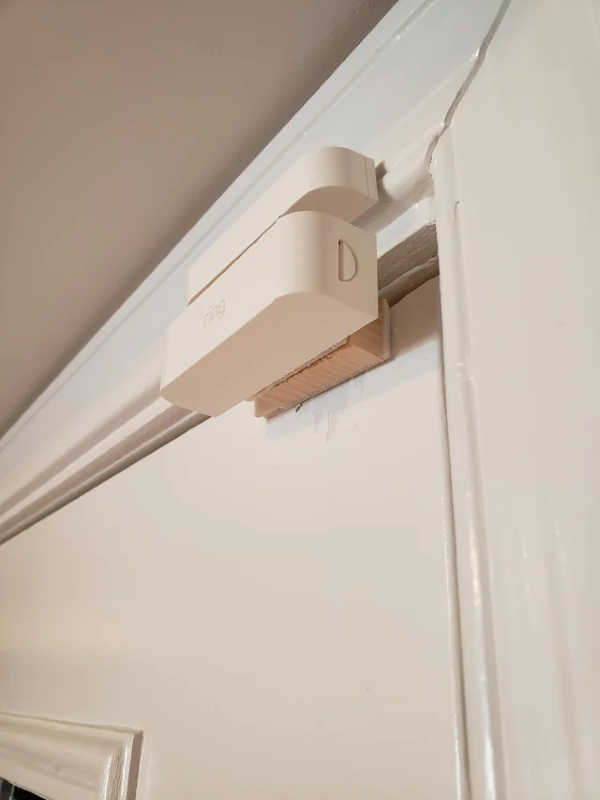
During home renovations, you might need to remove the sensor to protect it from dust, debris, or accidental damage. Ring sensors are commonly put on walls or door frames using adhesive tapes or screws.
Depending on their installation method, there are different techniques for safely removing these devices without causing damage to your property or the sensor itself.
Here’s how to remove Ring Contact Sensor from wall:
1. Remove Ring Sensor Adhesive
If your Ring sensor is attached using adhesive tape, you can remove it by applying gentle heat, typically with a hairdryer, to soften the adhesive. Once loosened, use a putty knife or similar tool to carefully pry the sensor away from the wall.
This will allow you to minimize wall damage and preserve the sensor for future use. If any adhesive residue remains, you can clean it off with adhesive removers like Goo Gone.
2. Unscrew Ring Sensors
If you need to remove a Ring sensor that’s screwed in, it’s pretty straightforward. First, grab a flathead or Phillips head screwdriver—whichever fits the screws on your sensor. Before you start, make sure the sensor is deactivated so you don’t set off any tamper alerts. Then, just unscrew the baseplate from the wall. Take your time and be careful, and you’ll have it off in no time.
3. Store Safely
Once you’ve removed the Ring sensor, you’ll want to store it safely. Here’s what I usually do. Find a small box or a ziplock bag to keep the sensor and its screws together. Wrap the sensor in a bit of bubble wrap or a soft cloth to protect it from any bumps. Store it in a cool, dry place where it won’t get jostled around. This way, it’ll be in good shape when you need to use it again.
How To Remove Ring Sensor From App?
Before physically removing the sensor, you should disconnect it from your Ring app to avoid false alarms or system errors. To remove the Ring Sensor from the app, follow these steps:
- Open the Ring app and navigate to the main menu.
- Select Devices and find your Alarm Base Station.
- Choose the sensor you wish to remove.
- Tap the gear icon on the top right-hand side.
- Go to Advanced Options and select Remove Device.
- Confirm your choice to successfully disconnect the sensor from your system.
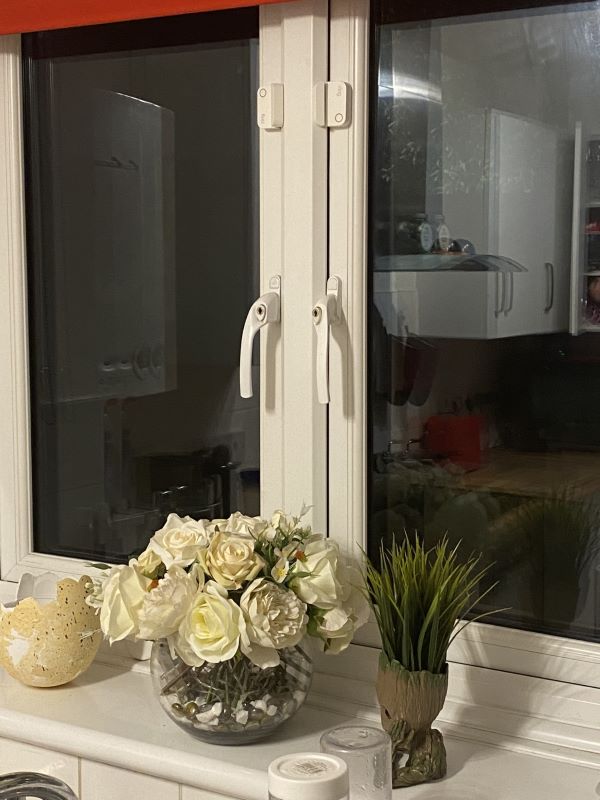
How To Remove Ring Sensor From Window
Removing the Ring Sensor from a window can feel tricky, but with patience and right guidance, you can do it easily. Here is how to remove Ring sensor from a window:
1. Slide the Sensor Off the Bracket
Most Ring sensors attach to their mounting brackets with a sliding mechanism. Hold the sensor firmly and slide it upward or downward, depending on your model. It should come off with a bit of pressure. If it feels stuck, wiggle it gently to loosen it.
2. Handle the Adhesive
If your sensor uses adhesive to stick to the window, you need to remove it carefully. Start by lifting one edge of the sensor with your plastic card or fingernail. Once you get a good grip, peel the adhesive off slowly. Pull steadily to avoid leaving any residue or damaging the window surface.
3. Clean the Window
After you’ve removed the sensor, you might see some adhesive residue on the window. To clean it, use a mild adhesive remover or soapy water. Apply the remover to a soft cloth and gently rub the area until it’s clean. Avoid using anything too abrasive, which could scratch the glass.
4. Store the Sensor Safely
If you plan to reuse the sensor, store it in a safe place. Keep it away from extreme temperatures and humidity to ensure it stays in good condition.
How To Reinstall Ring Motion Sensors?
I’ve installed motion sensors a bunch of times, and you’ve got two main options: adhesive tape or screws. Here’s the deal—each method works better depending on the surface and where you want to place the sensor. I have detailed each method below.
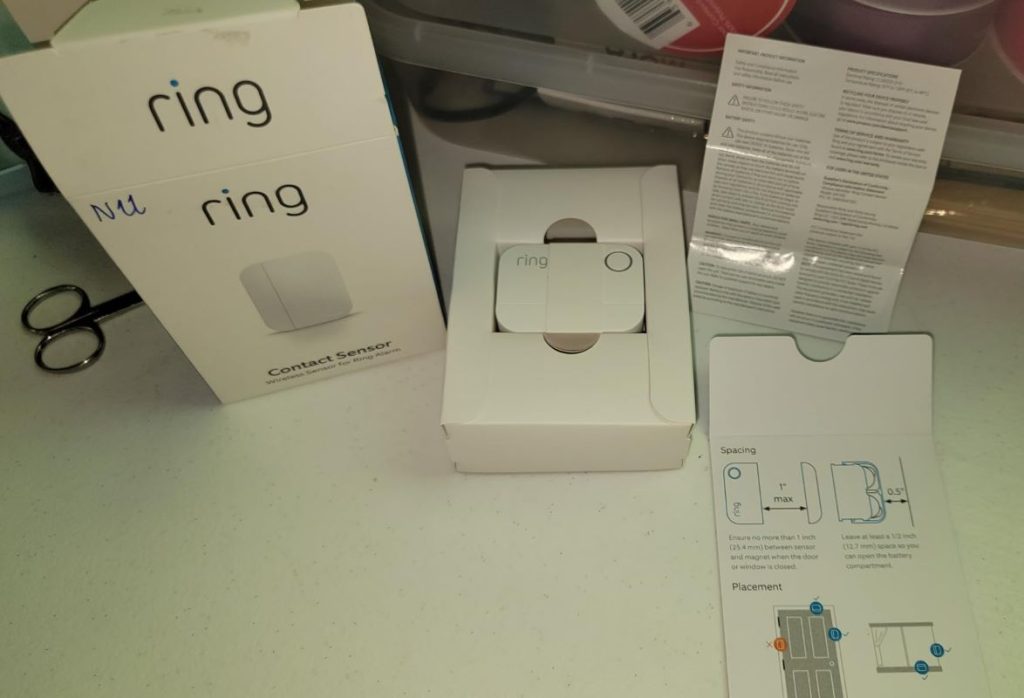
To reinstall Ring Motion Sensors:
1. Using Adhesive Tape
- Ensure the surface where you’ll stick the sensor is clean and dry.
- Most Ring Motion Sensors come with mounting tape pre-attached. Simply peel off the protective layer and press the sensor firmly against the wall or the desired surface.
- Place the sensor in high-traffic areas where a potential intruder is likely to pass through. Consider the height and angle for optimal coverage.
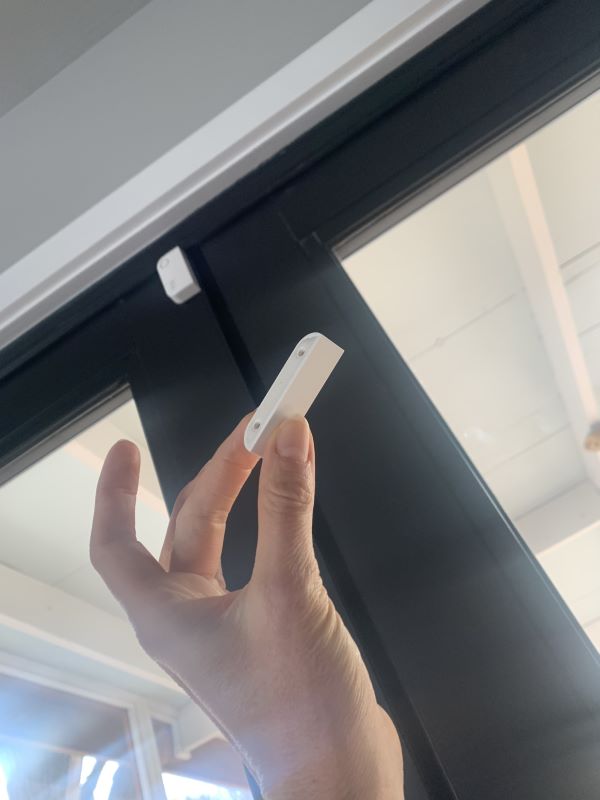
2. Using Screws
- If you’re installing on a masonry surface, place the mounting plate where you want to install the sensor and mark the holes with a pencil.
- Drill the marked holes and insert the wall anchors.
- Hold the base of the sensor against the surface and drive in the two mounting screws.
3. Setting Up Ring Sensors Via the App
To set up Ring Sensors via the Ring app, follow these steps:
- Open the Ring app, tap the menu, select Set Up a Device, and choose Smart Lighting.
- Remove the battery cover of your Motion Sensor and use your mobile device to scan the QR code inside the battery compartment. You can also find this code on the product packaging.
- Once you’ve added the device to your Ring app, go ahead with the physical installation. You can use either adhesive tape or screws, depending on what you prefer and the type of surface you’re working with.
- Customize the sensor’s settings in the app according to your needs. This may include setting up motion zones, sensitivity, and linking the sensor with other Ring devices for integrated security solutions.
Removing Ring Sensors Made Easy!
Now you know that removing a Ring Contact Sensor, whether it’s for a door or window or a motion sensor, is rather simple. Just be patient and use the right tools. And if you are not confident, it’s best to leave it to a professional.
For more useful guides on Ring Devices, check out these posts:
- Why My Ring Doorbell Only Rings Once?
- Why My Ring Video Freezes After A Few Seconds?
- The Ultimate Ring Floodlight Cam Bulb Replacement Guide
- How To Stop Ring Camera From Recording?
Frequently Asked Questions
How do you turn off the Ring sensor?
How to remove Ring door sensors and reinstall them?
How to bypass the Ring Sensor?
Which adhesive is best for sticking Ring sensors?
Can you use a Ring Contact sensor without an alarm?


Hashir
Hi, I’m Hashir, a tech enthusiast with a deep love for smart home innovations. My interest in technology has always been driven by the idea of making everyday life more streamlined and efficient. After years of experimenting with smart devices in my own home, I’ve made it my mission to share what I’ve learned with others. I focus on practical, easy-to-understand solutions that anyone can implement to enhance their home. Writing for JustSmarter allows me to connect with fellow tech lovers and help them take their first steps—or next steps—into the exciting world of smart homes.