Key Takeaways:
- Yes, certain Amazon Echo and ZigBee devices are compatible:
- To connect ZigBee and Echo devices:
- Ask Alexa to “Discover my devices.”
- OR, open the Alexa app > Devices > + (Add) button > Add Device.
- Select the device > Discover Devices.
- Let Alexa find the ZigBee device and connect it with your Echo.
I’ve found that using Amazon Echo ZigBee in combination can be a game-changer for a smart home system. This integration has simplified the way I interact with my smart home, offering an intuitive and streamlined experience. So, in this post, I’m going to talk about Echo devices that work with ZigBee and how you can link the two devices together. Let’s get started!
Can I Use Amazon Echo Devices With ZigBee Work?
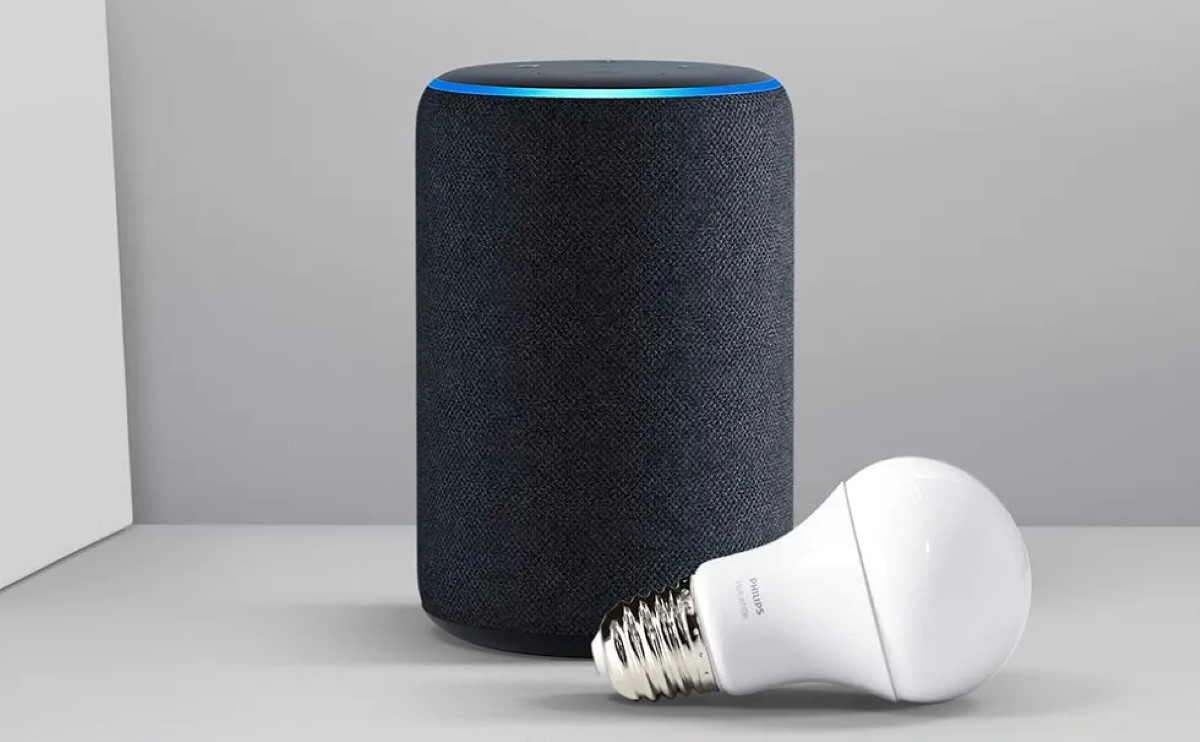
Yes, certain Amazon Echo devices, such as the Echo Plus and Echo Studio, have built-in ZigBee hubs, allowing them to directly connect with and control ZigBee-compatible smart home devices without needing an additional hub.

That being said, if you have an Echo device with ZigBee support (indicated by ZigBee logo 
How to Integrate Amazon Echo Devices with ZigBee?
To integrate Amazon Echo with ZigBee, ensure your Echo device supports ZigBee, like Echo Plus or Echo Show. Activate the pairing mode on your ZigBee device as per its instructions. Then, ask Alexa to “discover my devices” or use the Alexa app to add the device by following the app’s guided setup.
I love how integrating Echo and ZigBee is so uncomplicated. Here’s how to link the two:
- Ask Alexa to find your device by saying, “Discover my devices.”
Or to do it manually:
- Open the Alexa app on your phone or tab.
- Tap Devices > + button in the top right corner.
- Select Add Device.
- Choose the type of device you’re adding and if you can’t find it in the list, simply tap Other.
- Finally, tap Discover Devices in the Alexa app.
If that doesn’t work:
- Make sure your ZigBee device is discoverable.
- Wait for at least 45 seconds to let the new device be discovered.
- Make sure your Echo and ZigBee devices are close enough.
- Ensure proper internet connection.
- In some cases, you may need to enable an Alexa skill to maintain the connection between the two devices.
If your Echo device doesn’t come with a built-in hub:
You can still connect your smart device using an external ZigBee hub by following these steps:
- Select a ZigBee hub compatible with your smart devices, like Samsung SmartThings or Philips Hue.
- Follow the manufacturer’s instructions to set up your chosen ZigBee hub.
- Connect the hub to your Wi-Fi network, ensuring it’s online.
- Put your smart device into pairing mode as per the device’s instructions.
- Use the app for your ZigBee hub to find and connect your smart device to the hub.
- Open the Alexa app and enable the skill specific to your ZigBee hub.
- Link your ZigBee hub account with Alexa through the app.
- Start controlling your smart devices through Alexa with voice commands.
5 ZigBee Compatible Amazon Echo Devices
ZigBee compatible Amazon Echo devices, including Echo Show 10, 2nd & 3rd Generation Echo Plus, Echo Studio, and Echo 4th Generation, stand out for their ability to act as smart home hubs.
Wondering which Echo has ZigBee compatibility? The following Echo devices with ZigBee offer a simplified, voice-controlled approach to managing your smart home. 1. Echo Show 10
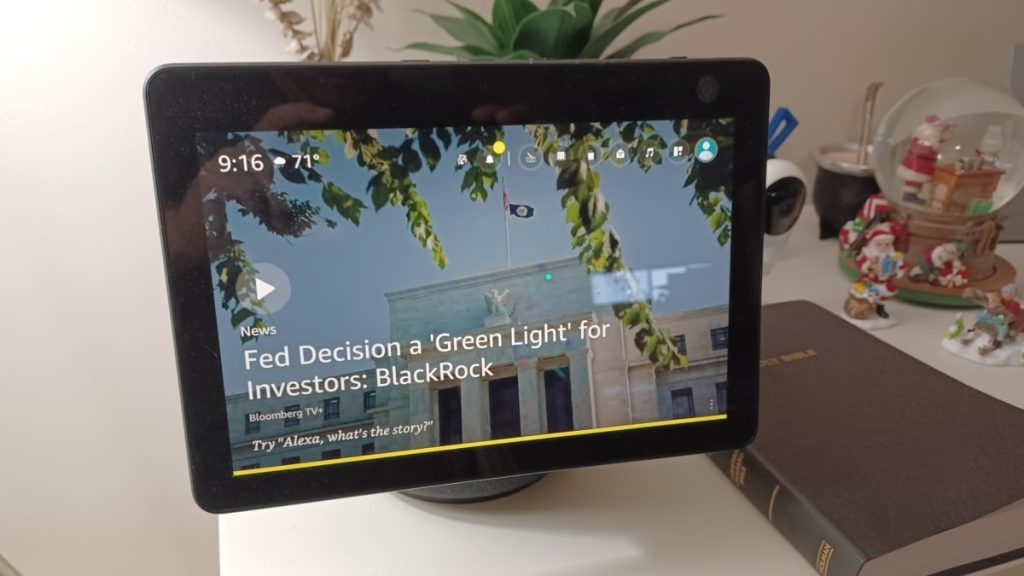
The Echo Show 10 – ZigBee integration has been a step up for my smart home. Its sleek design was just the beginning. This device connected seamlessly to several of my smart devices via ZigBee, streamlining the way I managed my home’s automation. Controlling lights, thermostats, and even my coffee machine became a breeze.
However, I was bummed to discover it only worked with certain ZigBee devices, and the price tag was a significant investment, too. Yet, despite these drawbacks, it’s been an indispensable part of my smart home setup.
2. 2nd Generation Echo Plus

I got the 2nd Generation Echo Plus for the idea of controlling my smart devices directly, without an additional hub, was appealing. Its advanced sound processing impressed me, catching my voice commands from across the room without a hitch. It made interacting with my lights and thermostat effortless.
However, its compatibility only with ZigBee 3.0 devices was a bit limiting, and I noticed it didn’t fully utilize the capabilities of my Philips Hue lights. Nonetheless, it’s been a reliable aspect of my smart home.
3. 3rd Generation Echo Plus
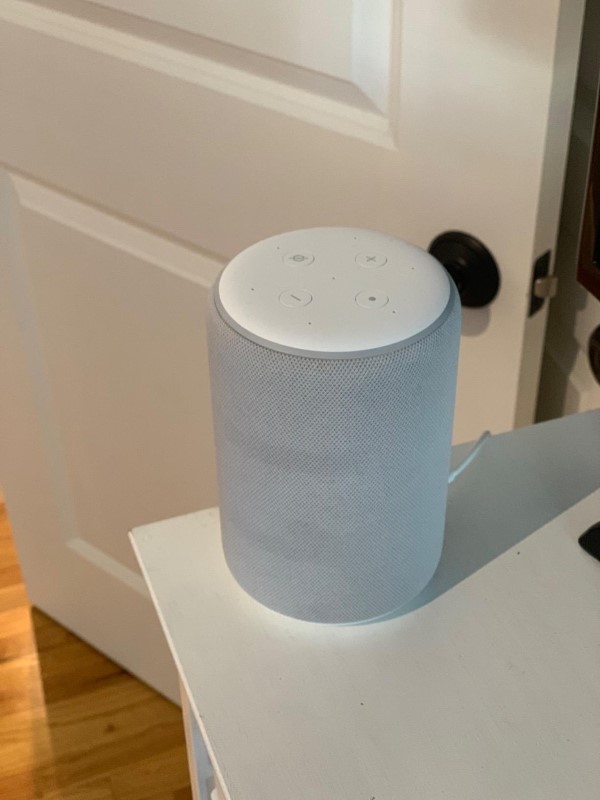
Upgrading to the 3rd Generation Echo Plus, I appreciated its continued simplicity in connecting to ZigBee devices and making voice control feel like magic. But its limitations became apparent in my larger living space.
Its range wasn’t quite up to the task, and I felt I was missing out on some of the more advanced features of my gadgets. So, that’s something to consider before you get your hands on this one.
4. Echo Studio
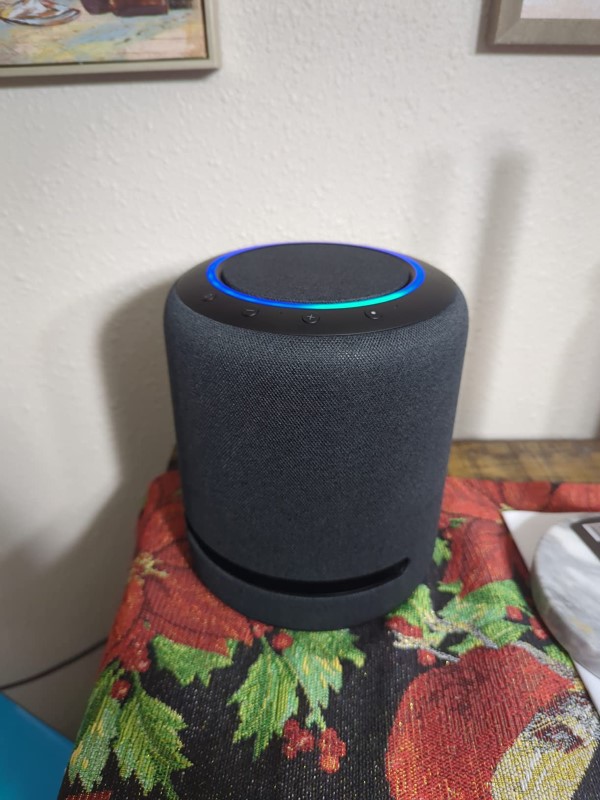
The Echo Studio was a revelation with its superb sound quality. It wasn’t just a speaker – it was a command center for my ZigBee smart devices. Lighting up my home, securing my doors, and playing my favorite tunes with voice commands – it’s been a lot more than just a solid speaker.
That being said, I also found Its higher price compared to other Echo devices justified by its performance, though I did encounter a few devices it couldn’t control. Still, the Studio has undoubtedly elevated my home’s ambiance and automation.
5. Echo 4th Generation
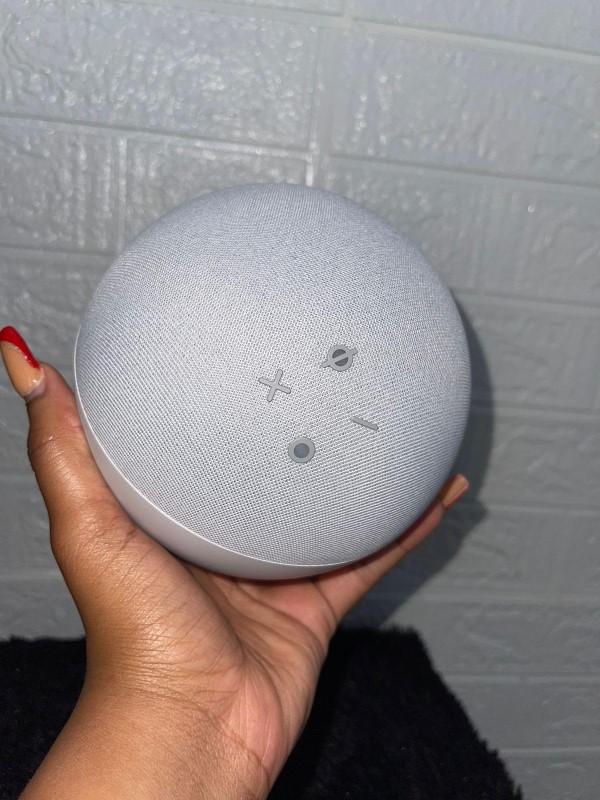
Adopting the Echo 4th Generation was a natural progression. Its spherical design and enhanced sound quality were noticeable upgrades. Keeping the ZigBee feature meant I could continue to streamline my smart home experience.
However, the realization that not all my devices were ZigBee-compatible and that I might need additional hubs was a slight setback. Despite this, it’s been a worthy addition, offering a blend of aesthetics and functionality that’s hard to beat.
Is it a Good Idea to Integrate Echo and ZigBee? Pros & Cons
Pairing my Amazon Echo with ZigBee turned my smart home setup into a central command station, all through my voice and the Alexa app. It was like giving a turbo boost to my house’s IQ—setup was a breeze, and the cost savings were noticeable since I didn’t need separate hubs for my gadgets.
However, it wasn’t all smooth sailing. I did bump into some hitches with device compatibility, and some of my devices lost their advanced features, which was a bummer. And yeah, being tied to the Alexa ecosystem felt a bit like putting all my eggs in one basket. But overall, the ease and efficiency won me over.
Pros and Cons
- Easy Setup: Just say “Alexa, discover my devices.”
- Cost-Effective: Saves on purchasing separate hubs.
- Central Control: All ZigBee devices controlled through the Alexa app.
- Convenience and Speed: ZigBee’s mesh network ensures fast, stable communication.
- Energy Efficiency: Low power consumption for a greener smart home.
- Limited Device Compatibility: Not all devices may connect to Echo’s ZigBee hub.
- Reduced Device Functionality: Some smart devices might lose advanced features.
- Dependence on Alexa: Ties users to the Alexa ecosystem, affecting flexibility and privacy.
Making Smart Homes Simpler with Echo and ZigBee
For me, linking Amazon Echo with ZigBee smart devices really made handling home gadgets easier and more convenient. So, I totally recommend integrating this duo into your smart home. Here are more helpful guides on Echo and ZigBee:
- How a ZigBee Repeater Can Enhance Your Smart Home?
- What’s With Echo Show Orange Bar and How to Fix it?
Frequently Asked Questions
Is 5th Gen Amazon Echo Dot ZigBee compatible?
Does Echo Show 8 have ZigBee?
Are ZigBee devices better than Wifi devices?
On the other hand, Wi-Fi devices provide a broader range and higher data bandwidth, catering well to applications that demand high-speed data transfer. The choice between ZigBee and Wi-Fi ultimately depends on the specific needs of the smart home setup.
Do Amazon Echo devices work effectively with ZigBee?